
|
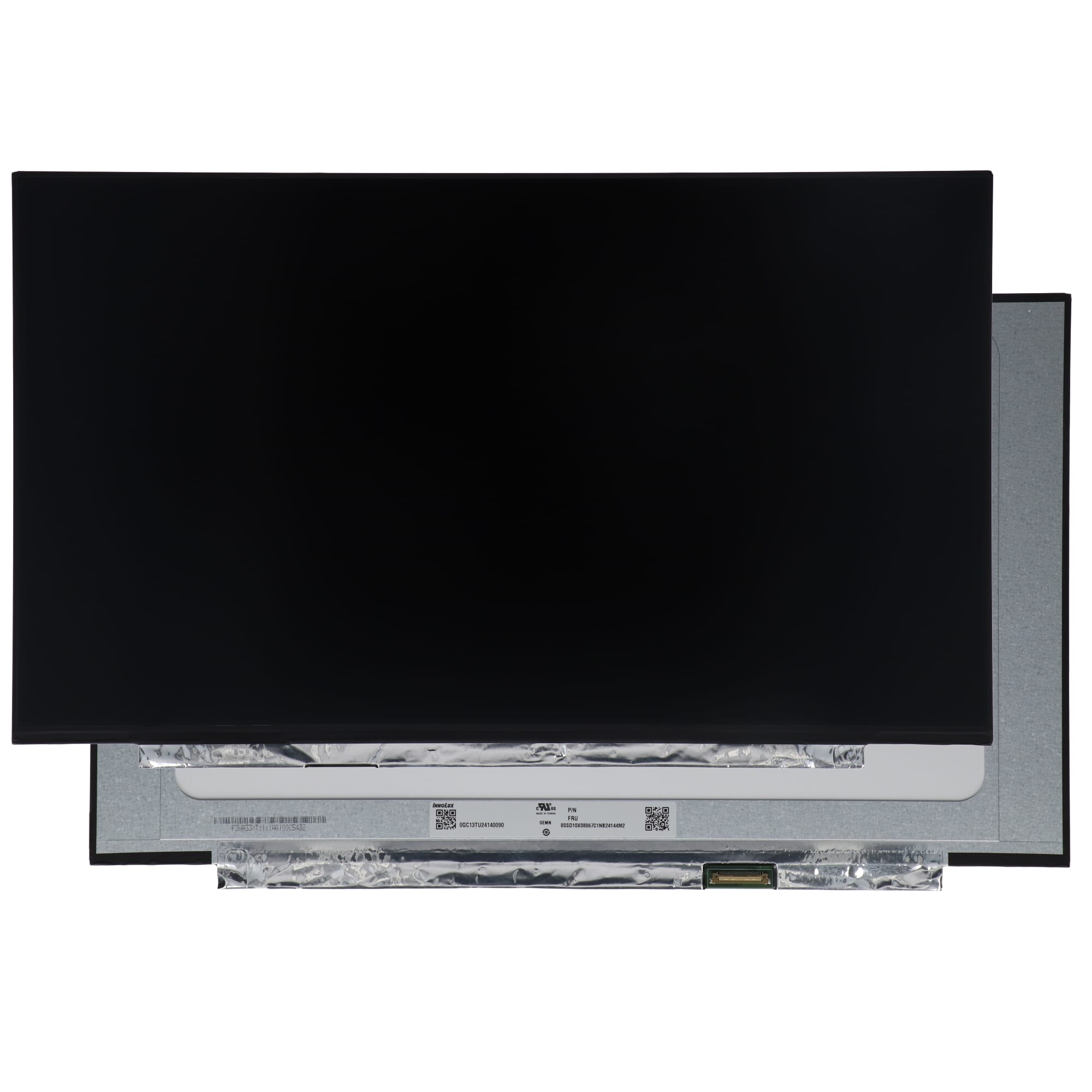
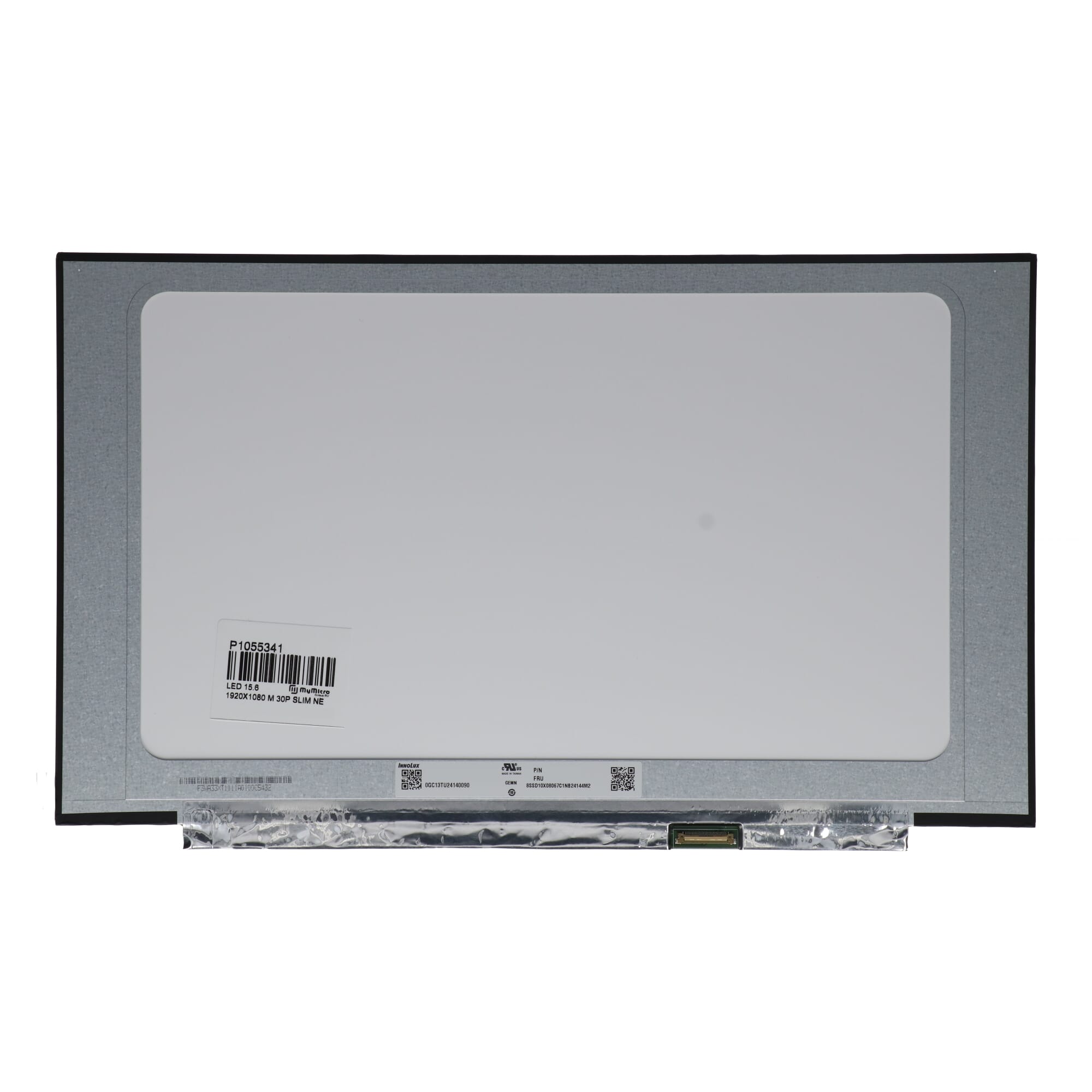
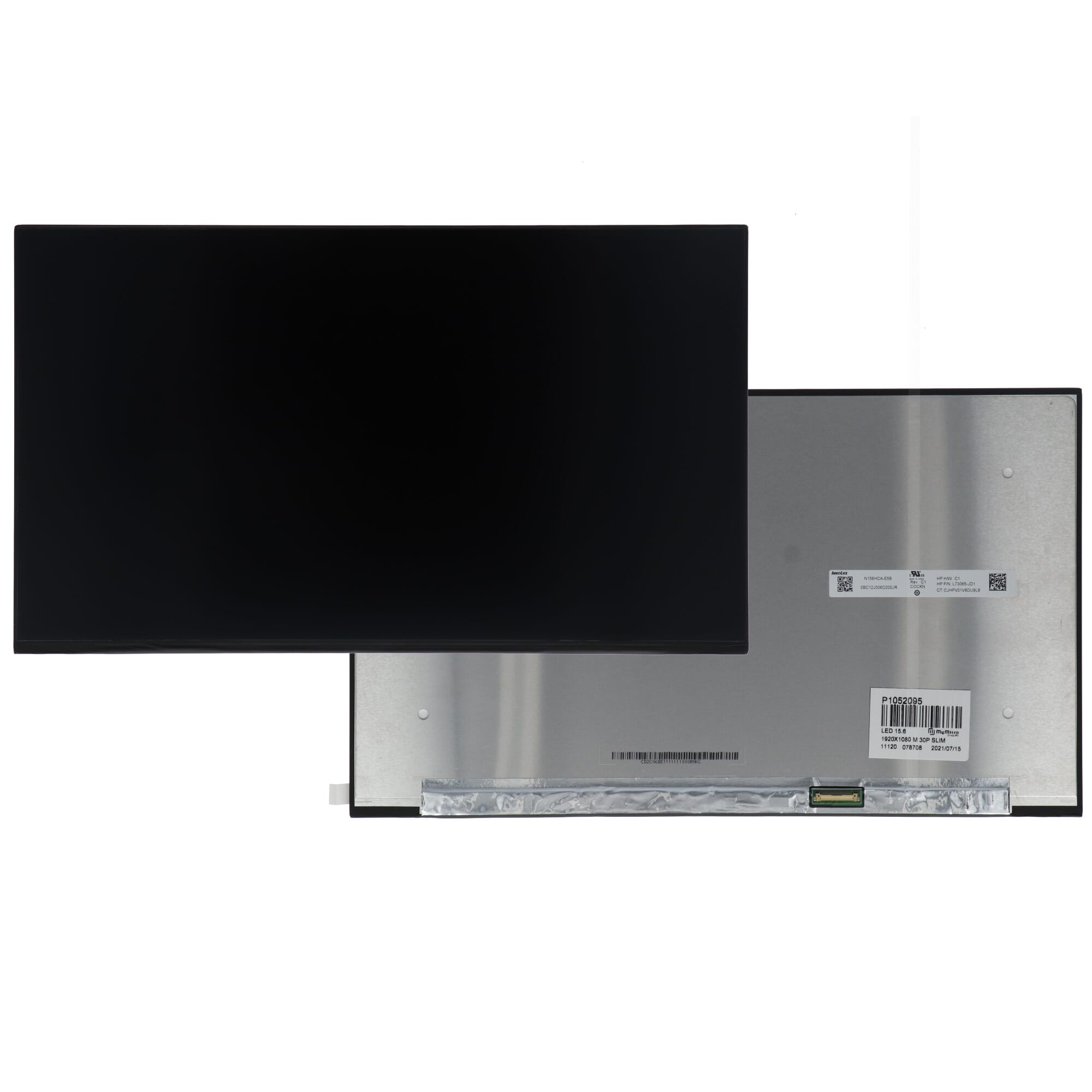
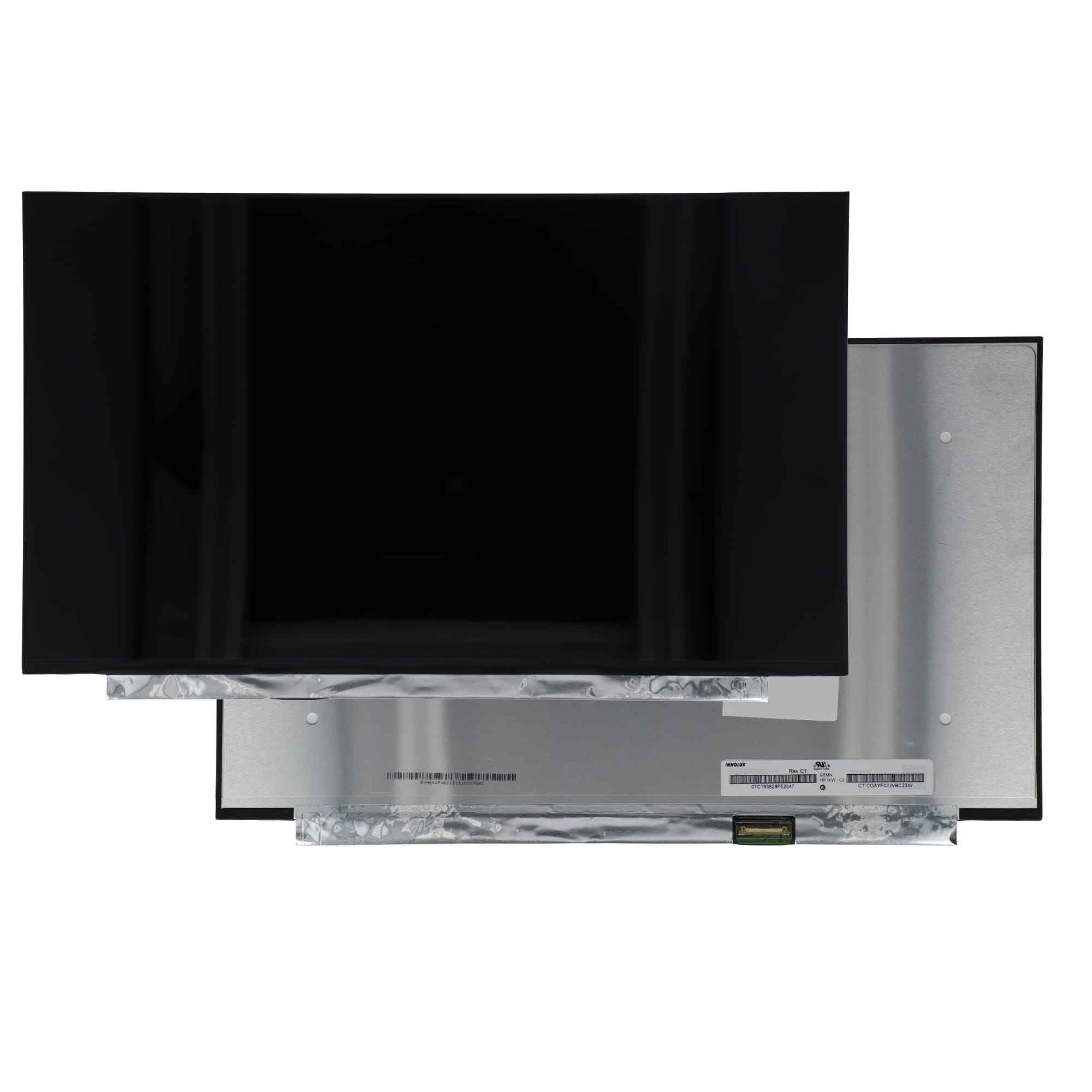
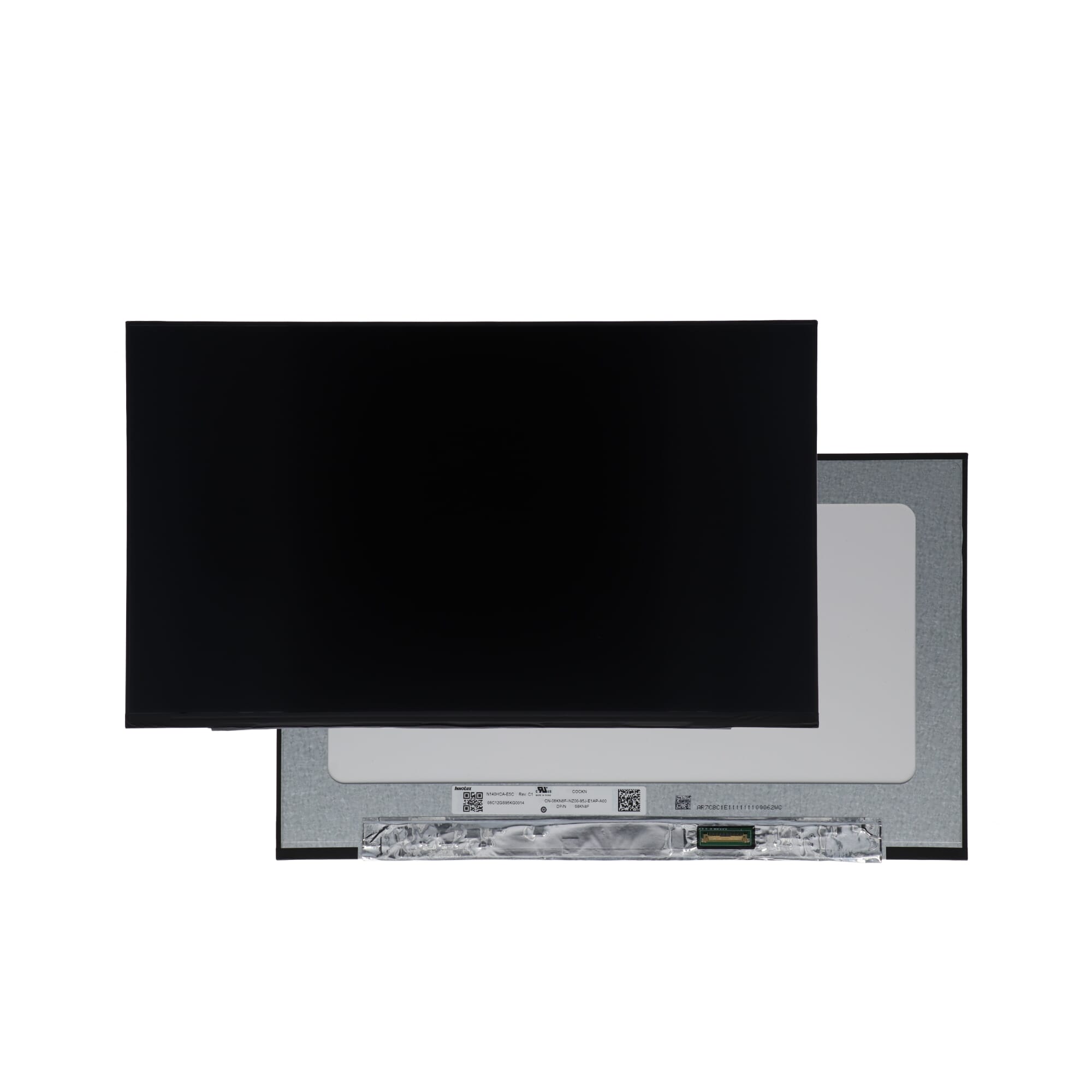
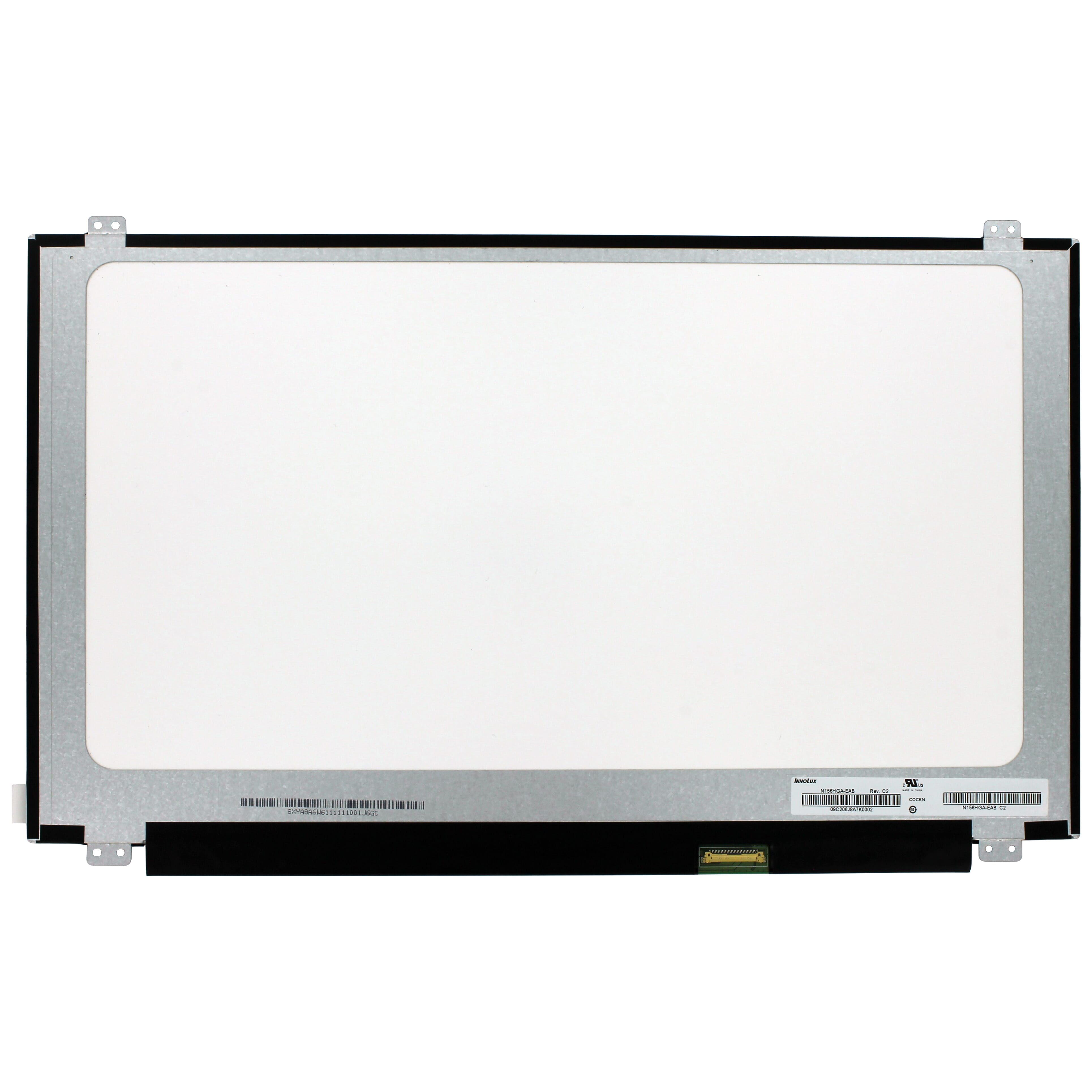
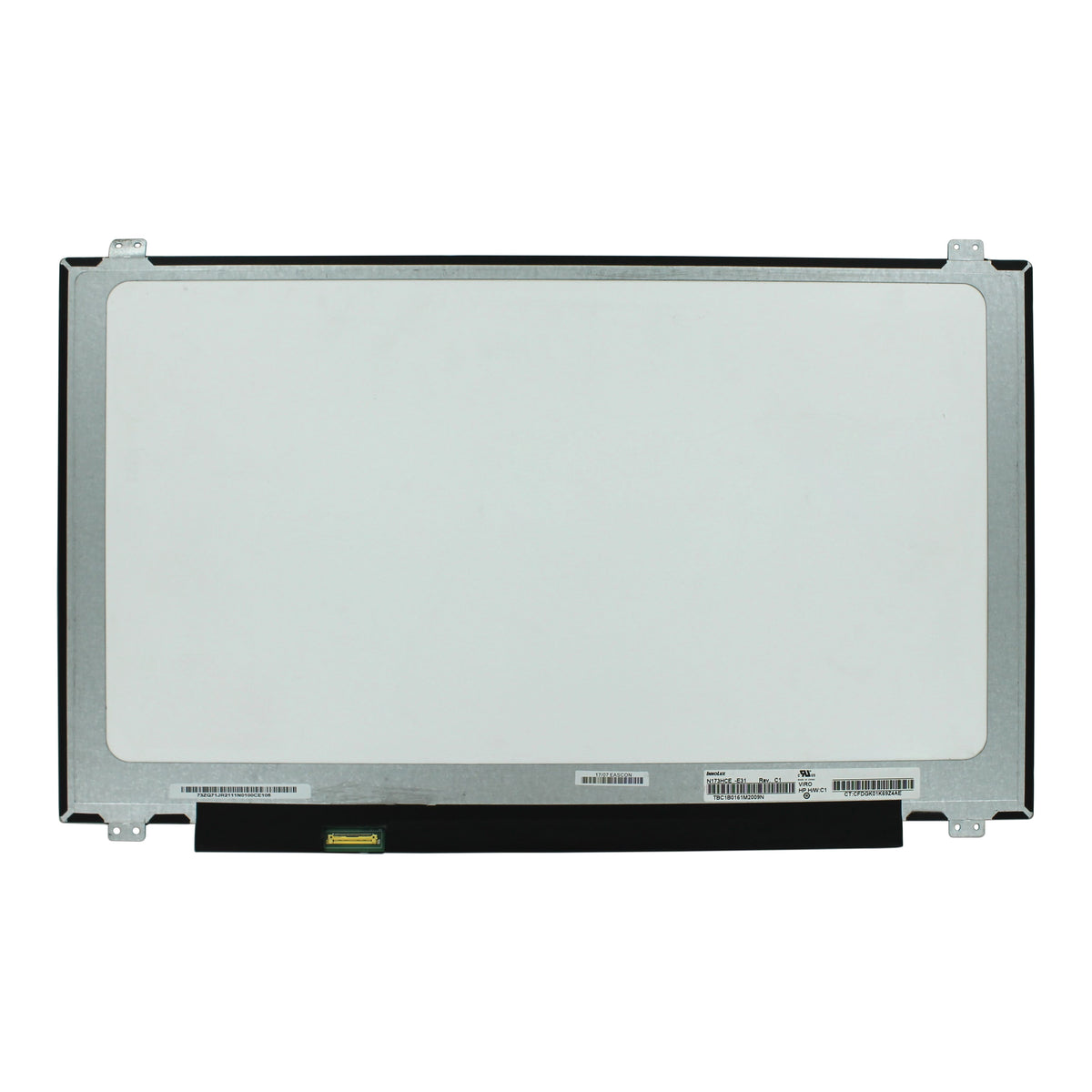
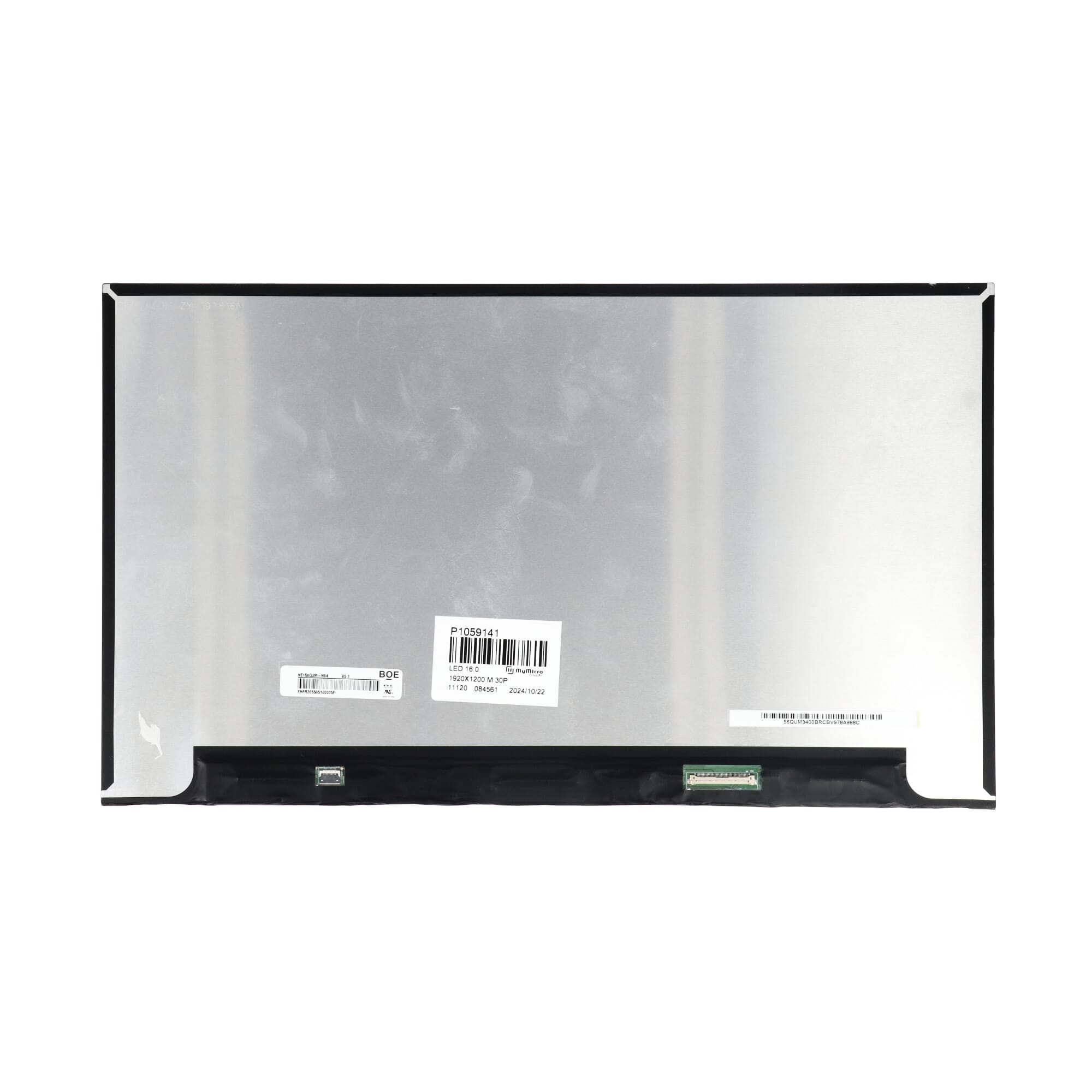
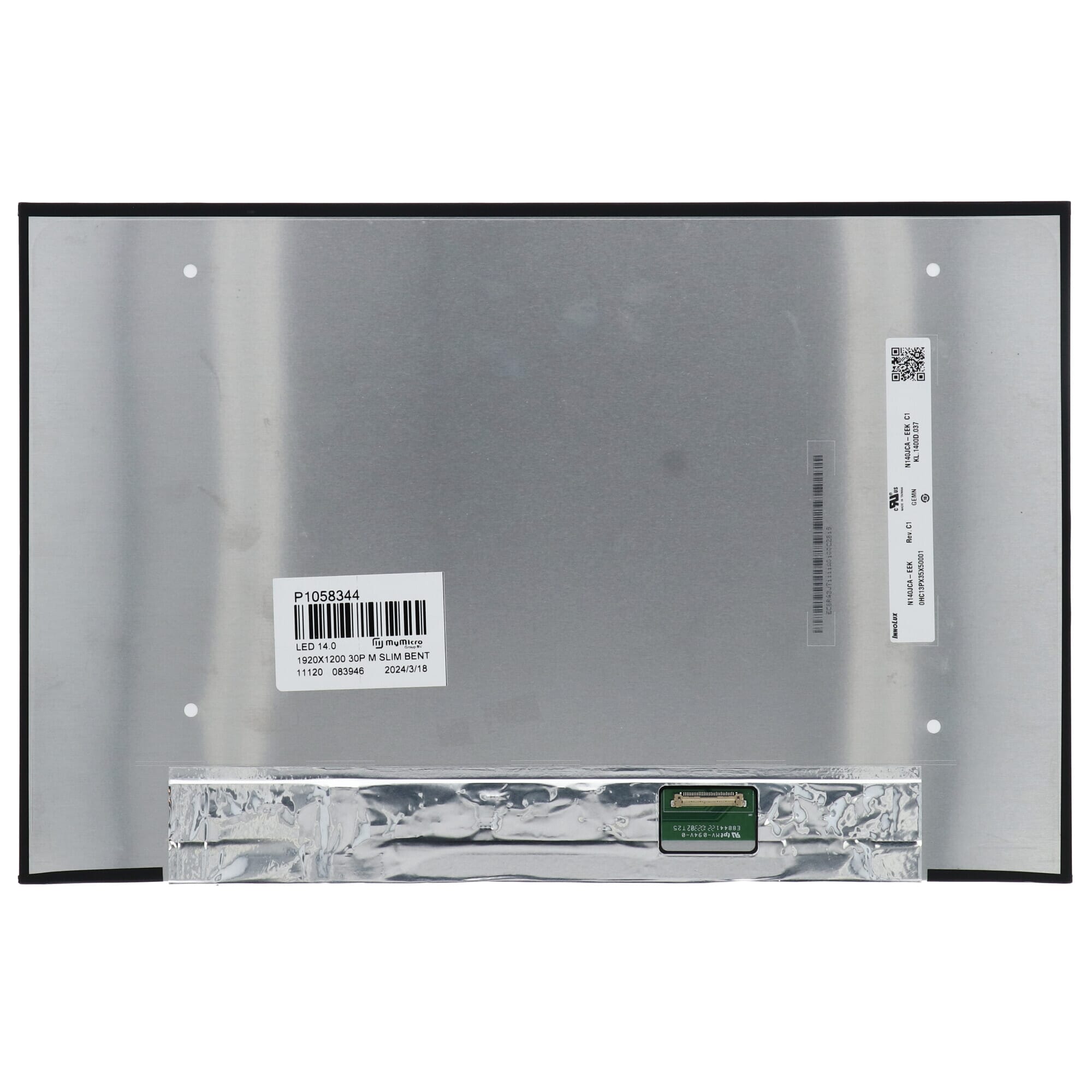
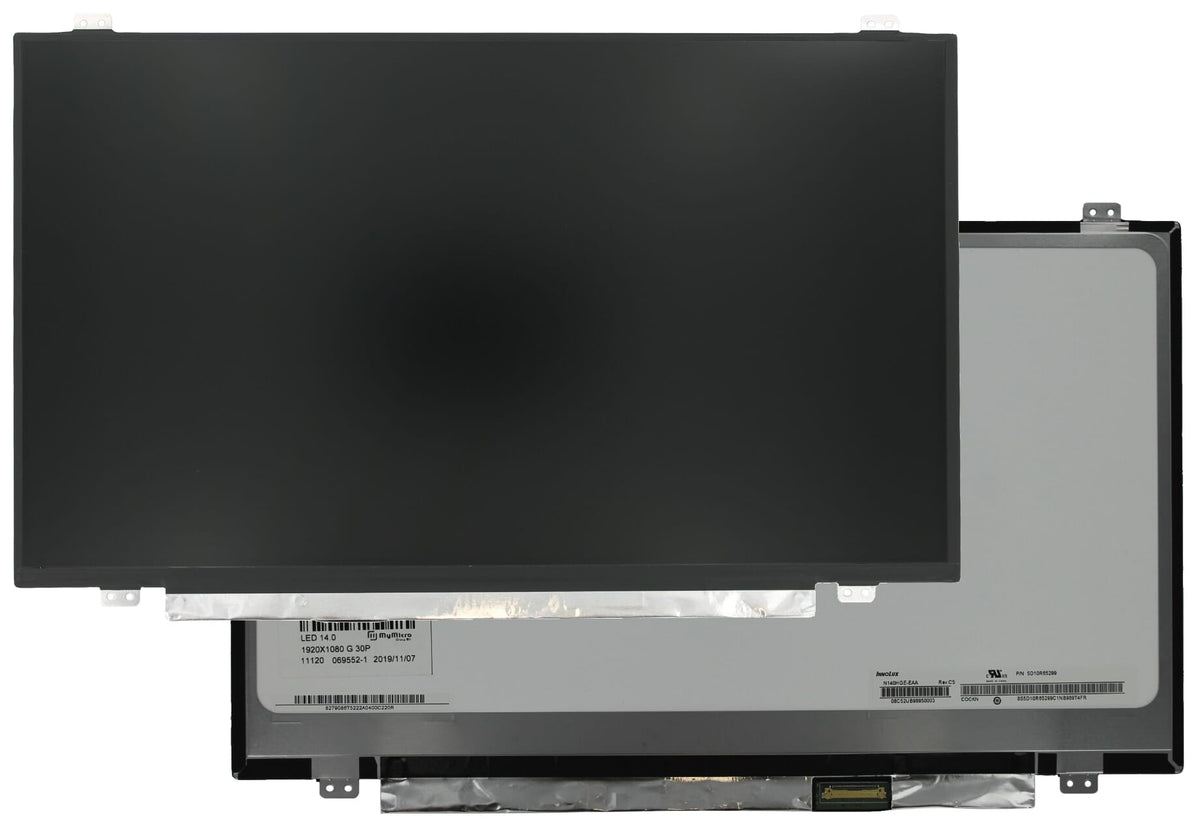
Replacing an LCD screen can be quite an experience. But before you can even begin, it's crucial to get the right one. But how do I do that? In this blog post, we'll explain how to ensure you find the right screen for your repair. The easiest way to ensure you select the correct screen is to search by the so-called part number. But where can you find this number? And what is the structure of an LCD part number? In almost all cases, this number can be found on the back of the screen. This means you'll need to remove the defective screen from the laptop to see the part number. |
 |
Take, for example, part number LP140WF7 (SP)(H1) . The first two letters represent the manufacturer LG LCD. The numbers that follow indicate the screen's diagonal size: 14.0 inches.

With this part number, finding the right screen is a breeze. Enter the full part number in the search bar at the top of the page and see all the results instantly.
Think you've found the right screen? Then check if the following specifications match the original screen:

Format
The screen size is probably the easiest thing to check, as it's also reflected in your part number. This size indicates the visible diagonal of your screen in inches.
Resolution
The resolution of an LCD screen determines how many pixels the image contains, and therefore how sharp and detailed everything is displayed. The higher the resolution, the more information can fit on the screen at once, and the sharper the text and images appear. On smaller screen sizes, a resolution that's too high can result in small text or buttons unless you adjust the scaling settings. Furthermore, the specifications of your graphics card determine which resolution is technically feasible.
Connector type and number of pins
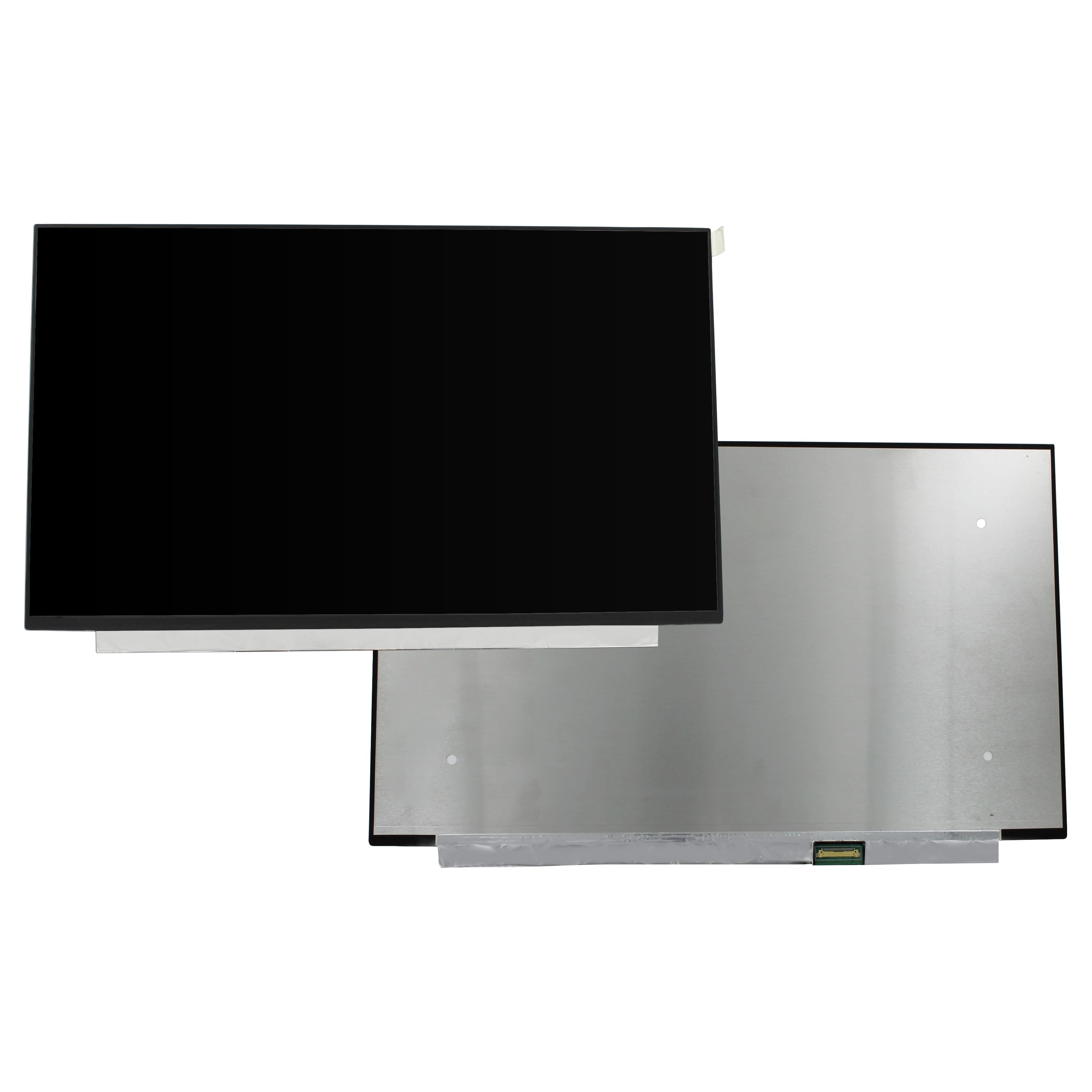
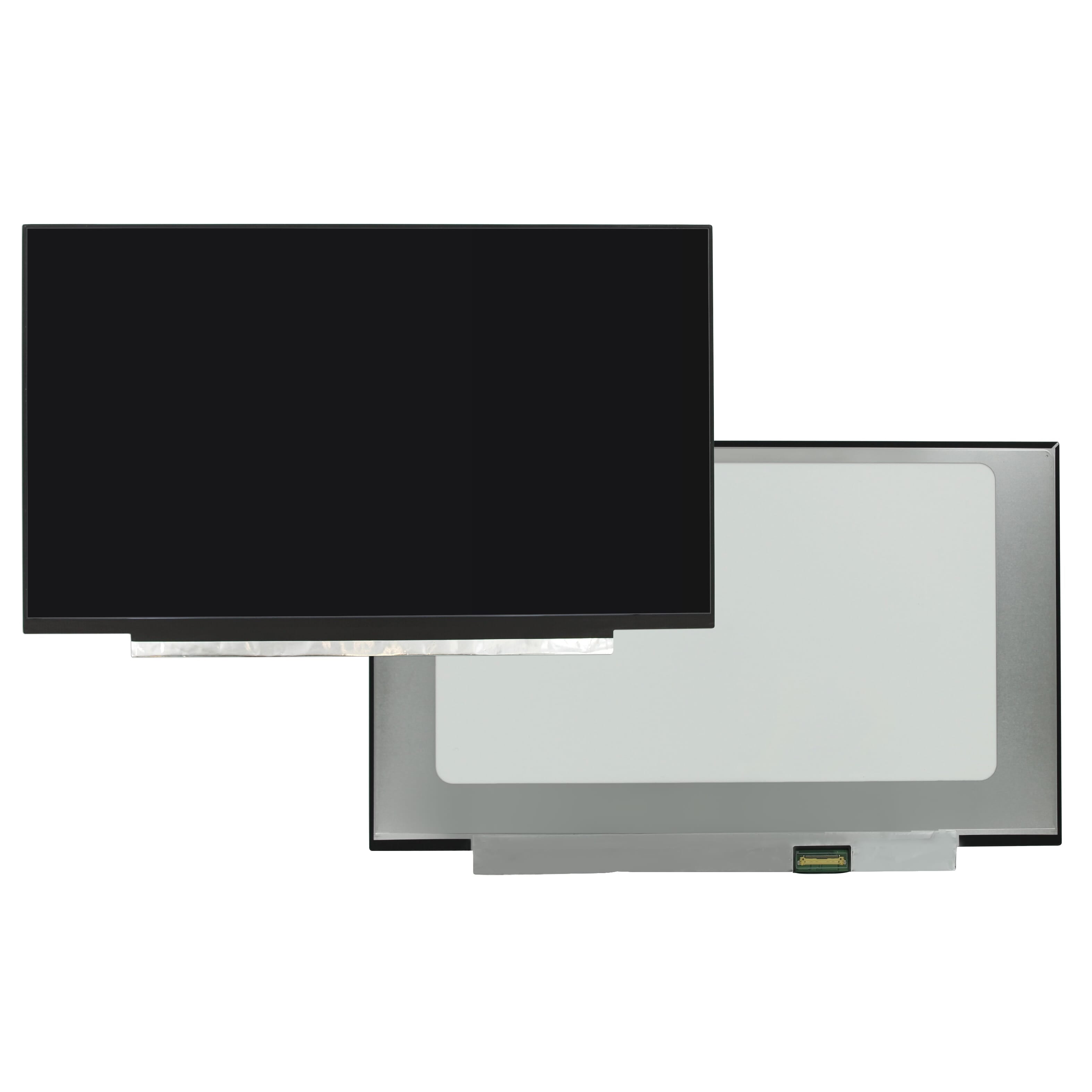
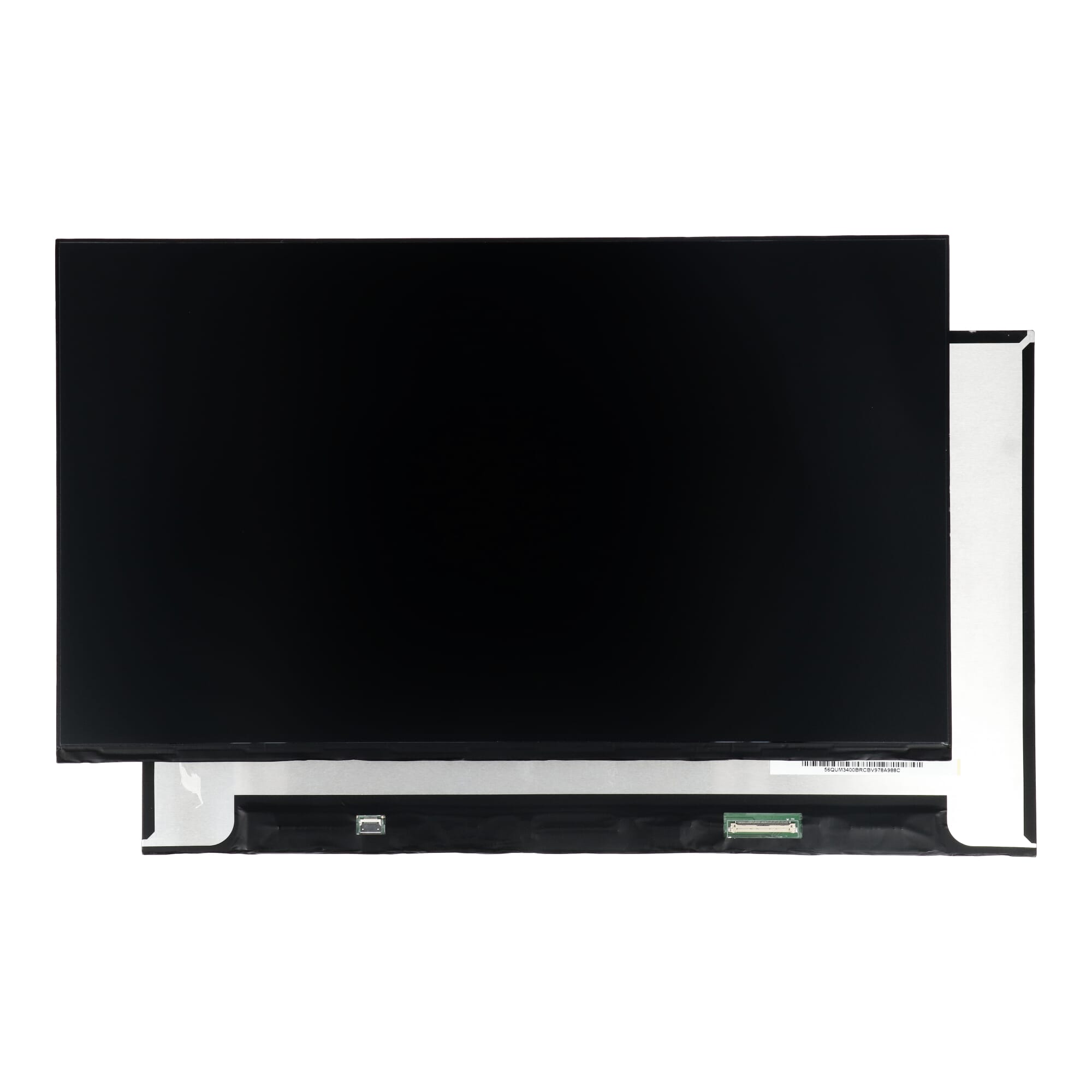
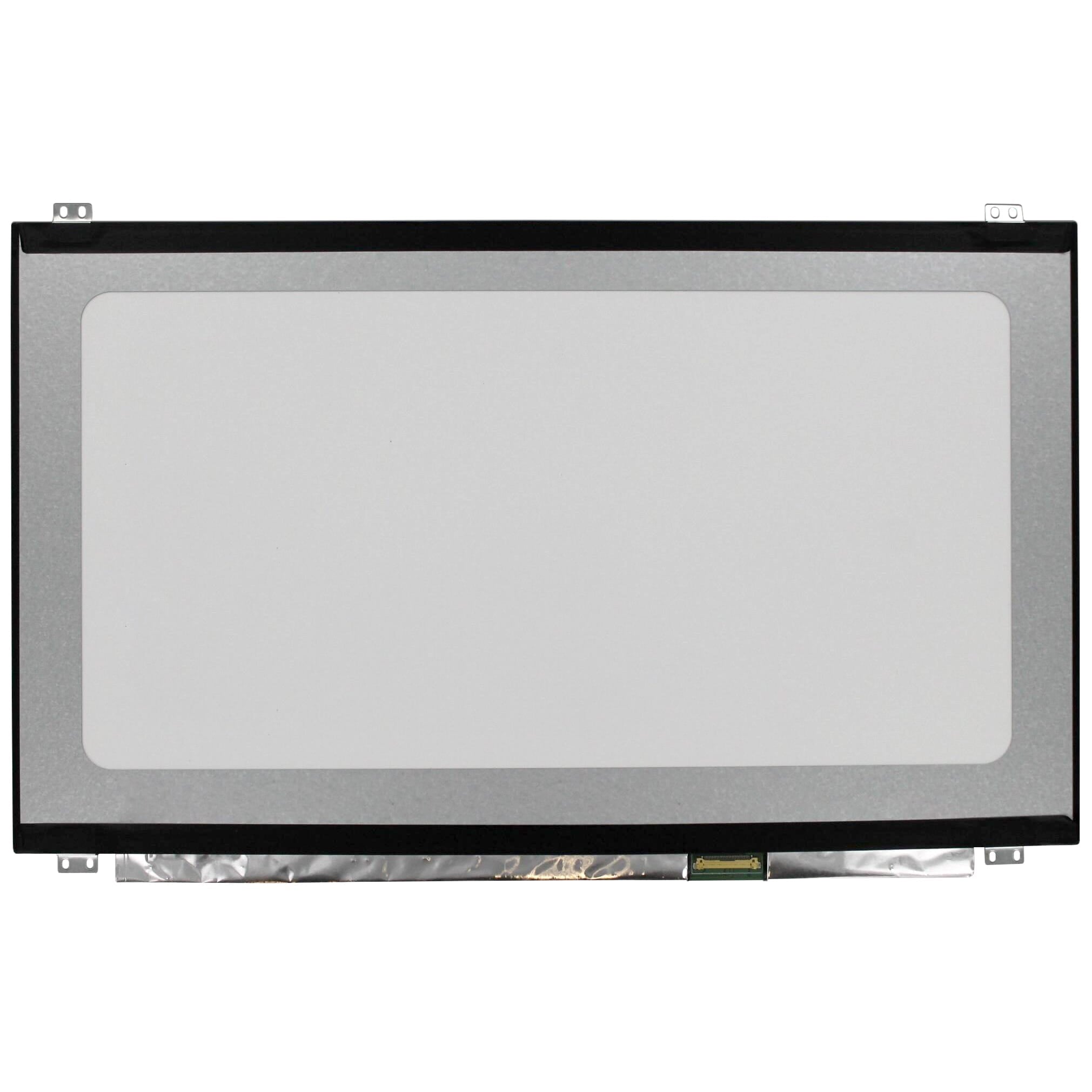
Besides the size and resolution, the monitor's connection is of course important. It's important to look at the number of pins, and the easiest way to check this is to simply count the pins. Besides the number of pins on the connector, the position of the connector is also important. Make sure the connector on the new monitor is in the same position as the connector on the old one. This will prevent installation problems.
Matte or Gloss
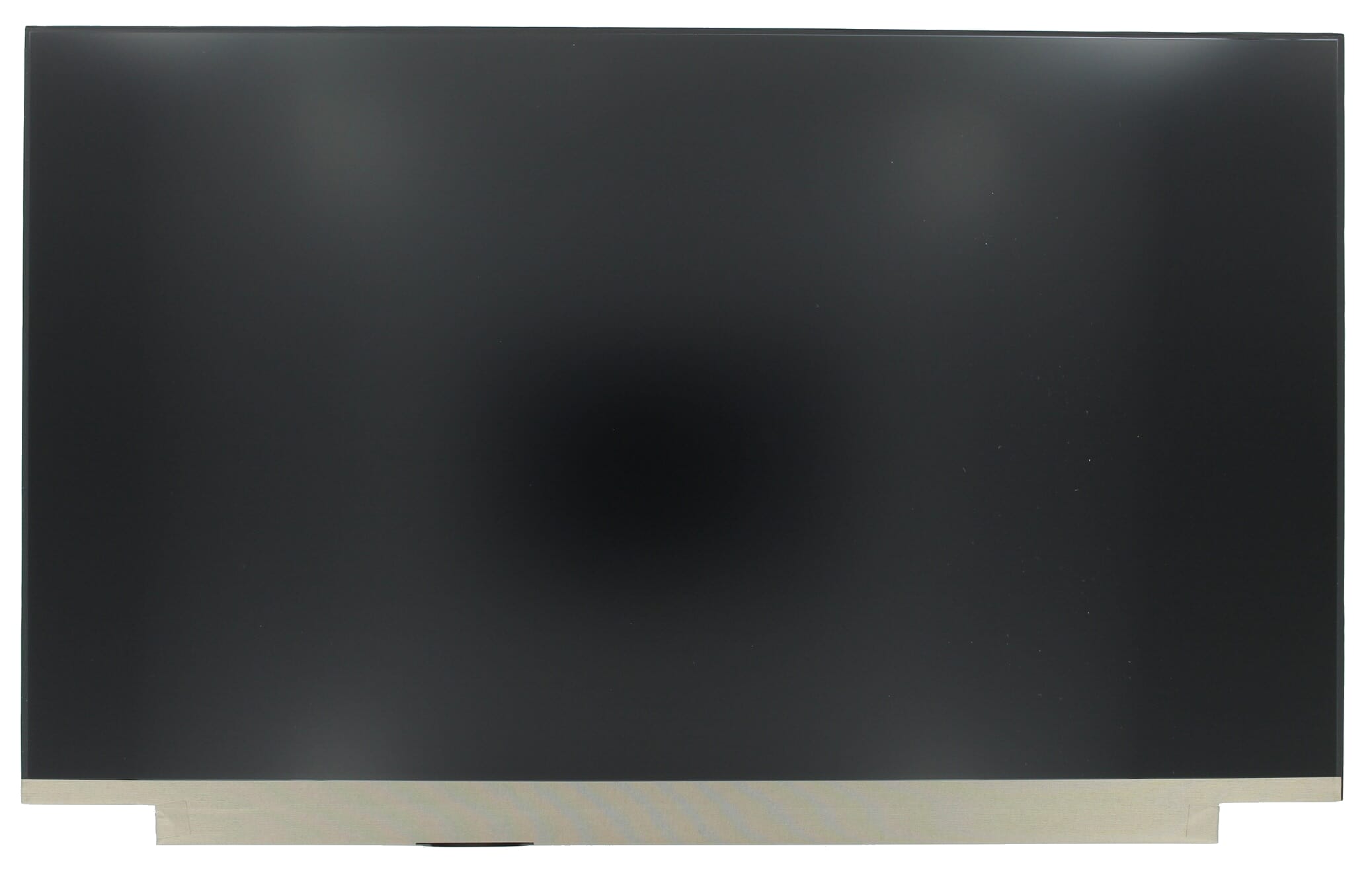
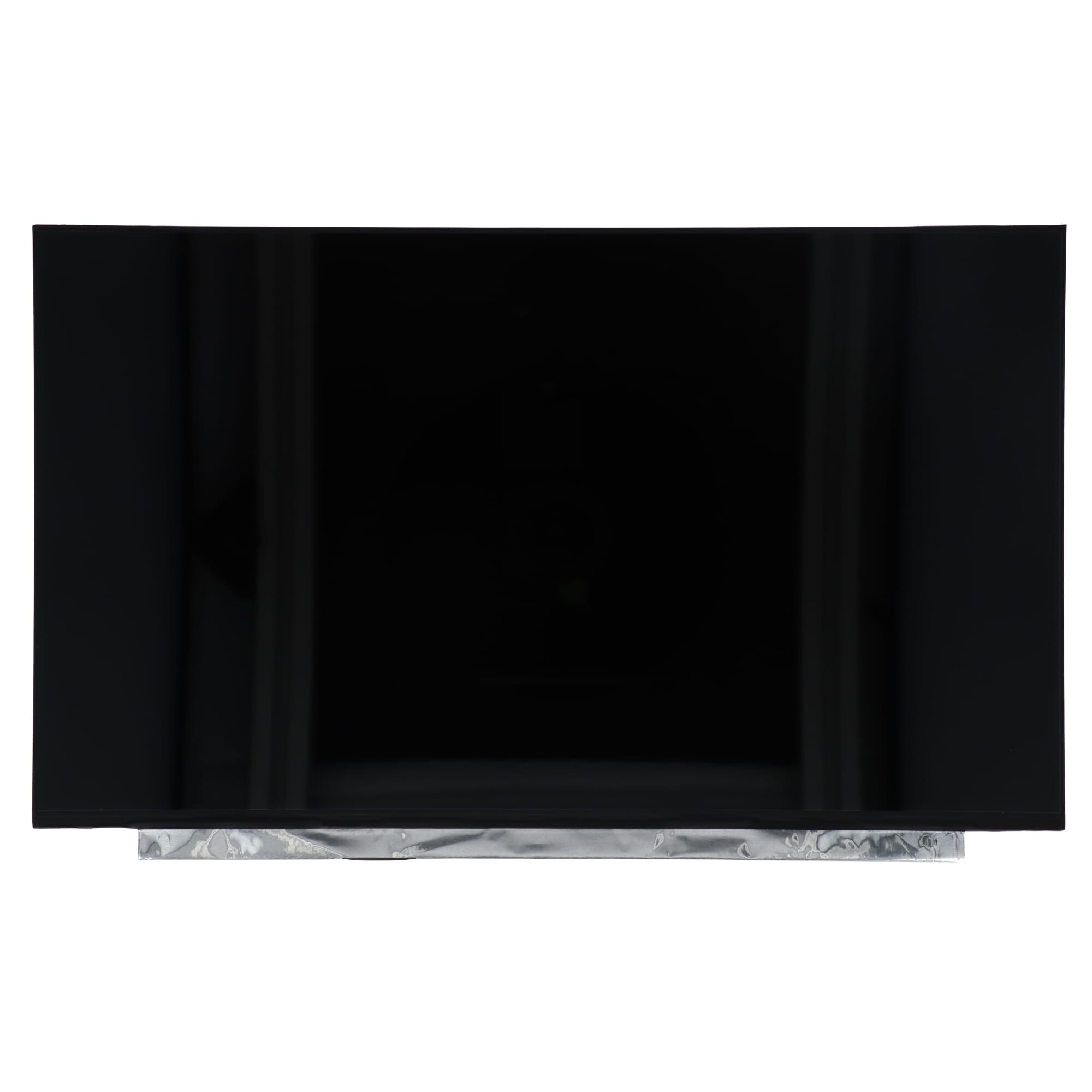
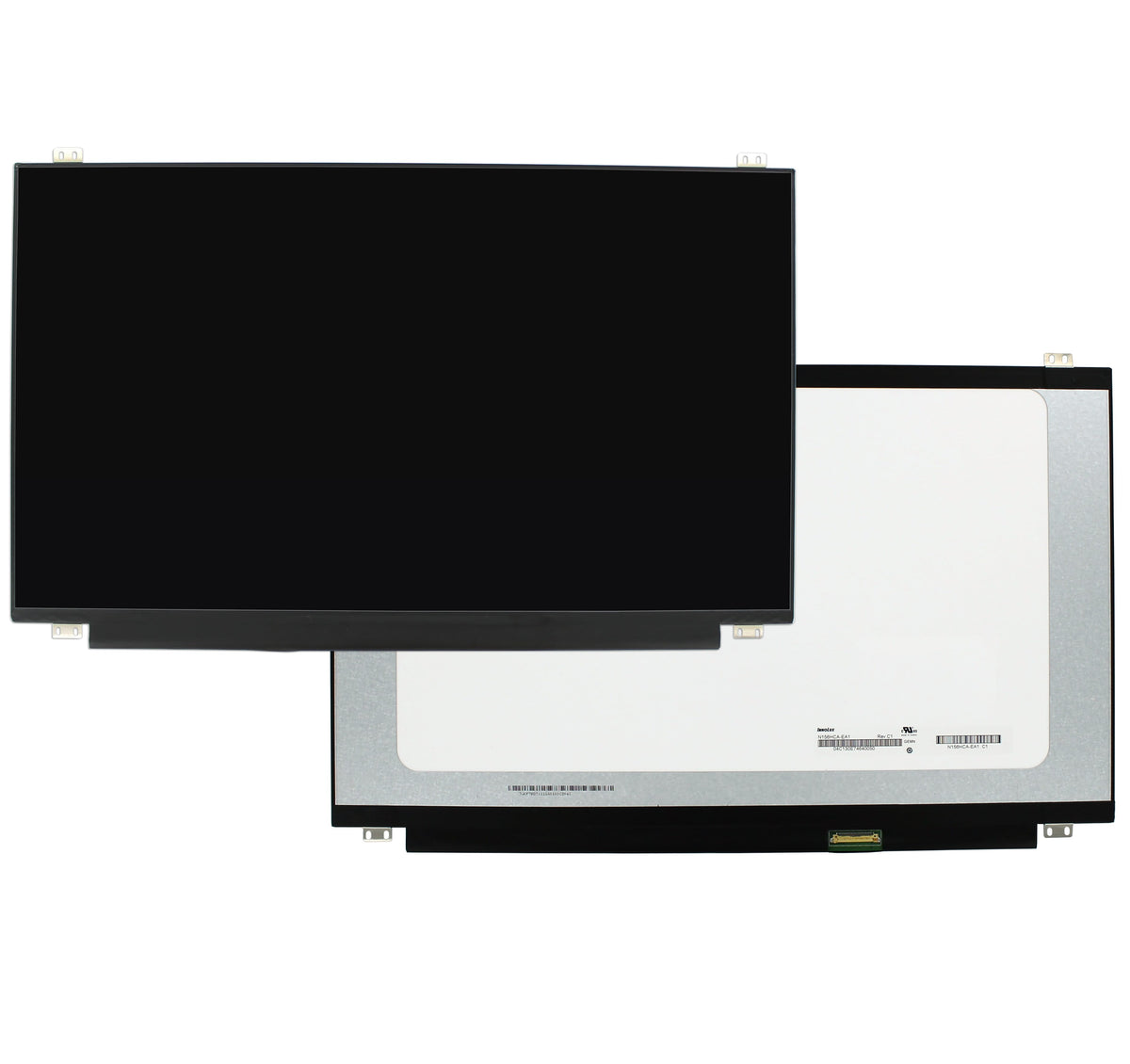
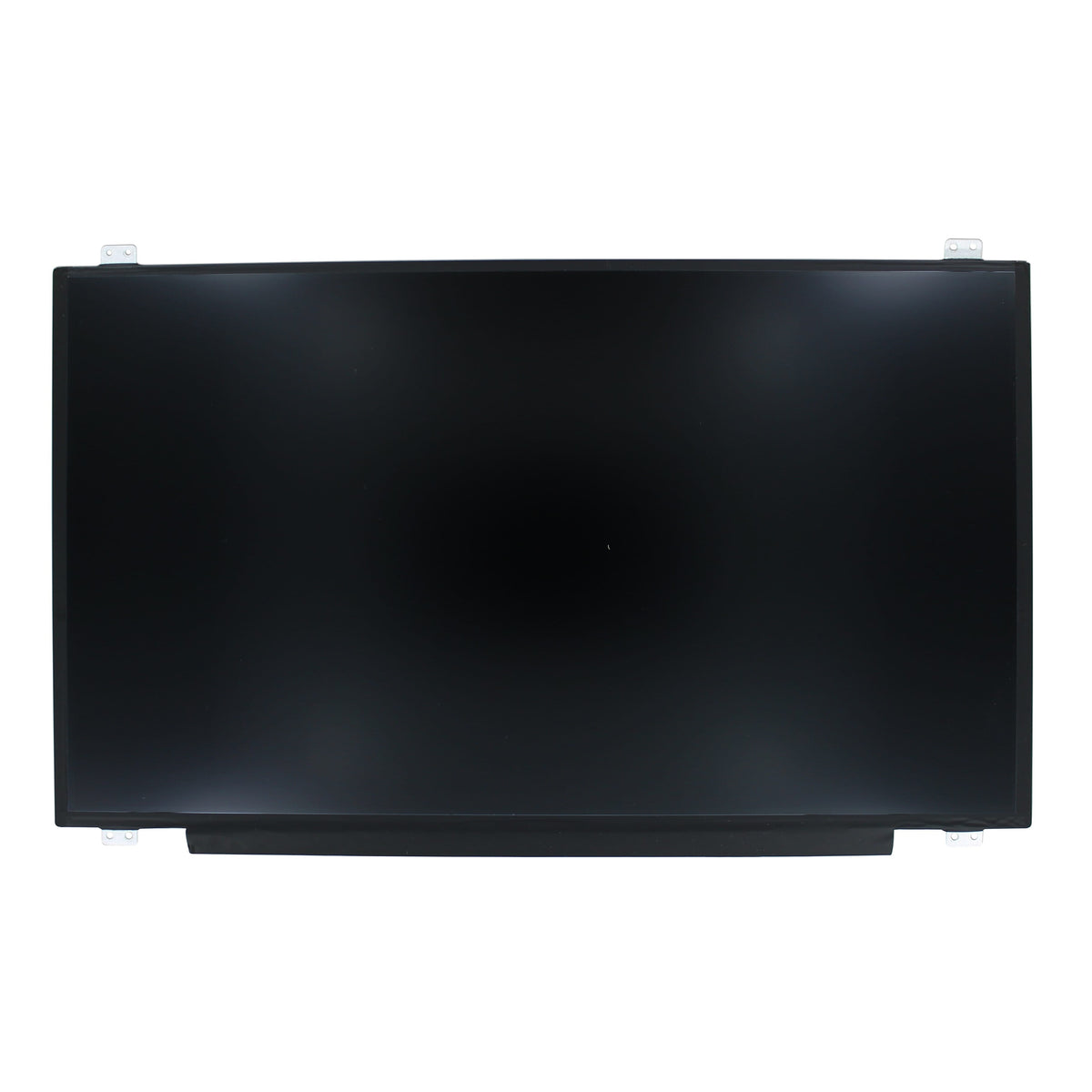
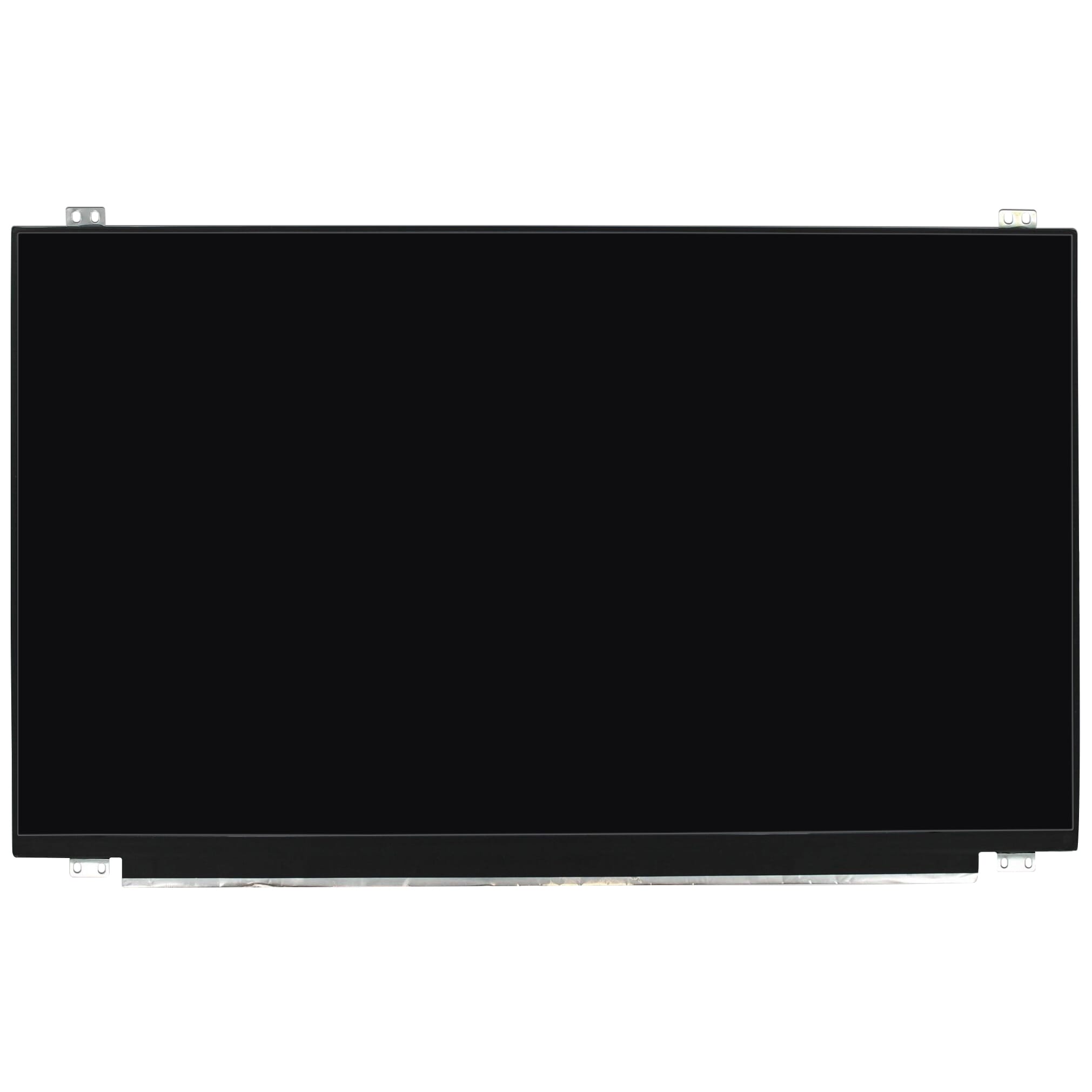
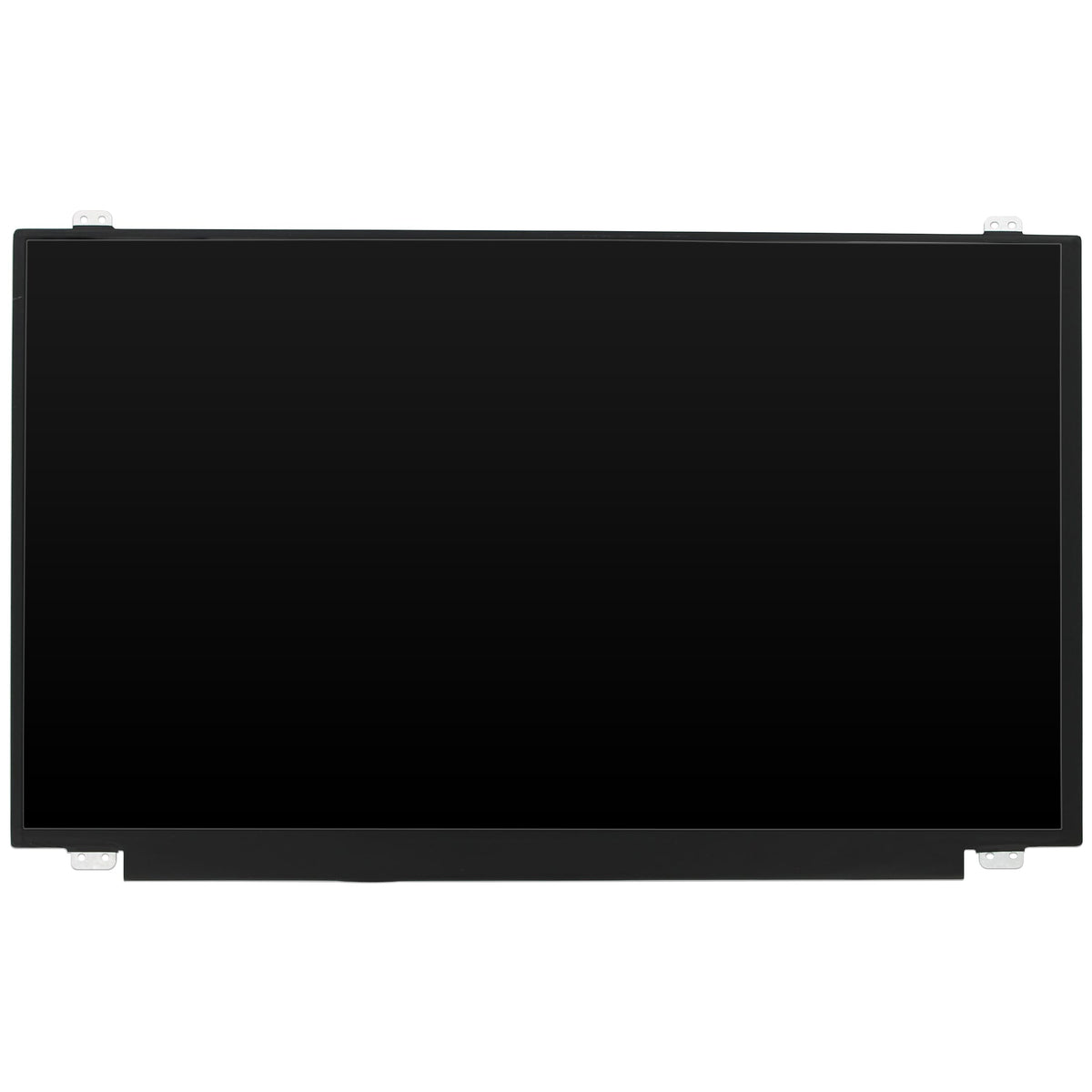
You'll also have to choose between a matte and glossy screen. Glossy screens provide a brighter image and have a more stylish design. A matte screen, on the other hand, is less affected by reflections from sunlight or lights. This makes the content on your screen more visible.
Not sure if you have a matte or glossy screen? If you can see your own reflection in the screen, you have a glossy screen. If not, you have a matte screen.
Brackets
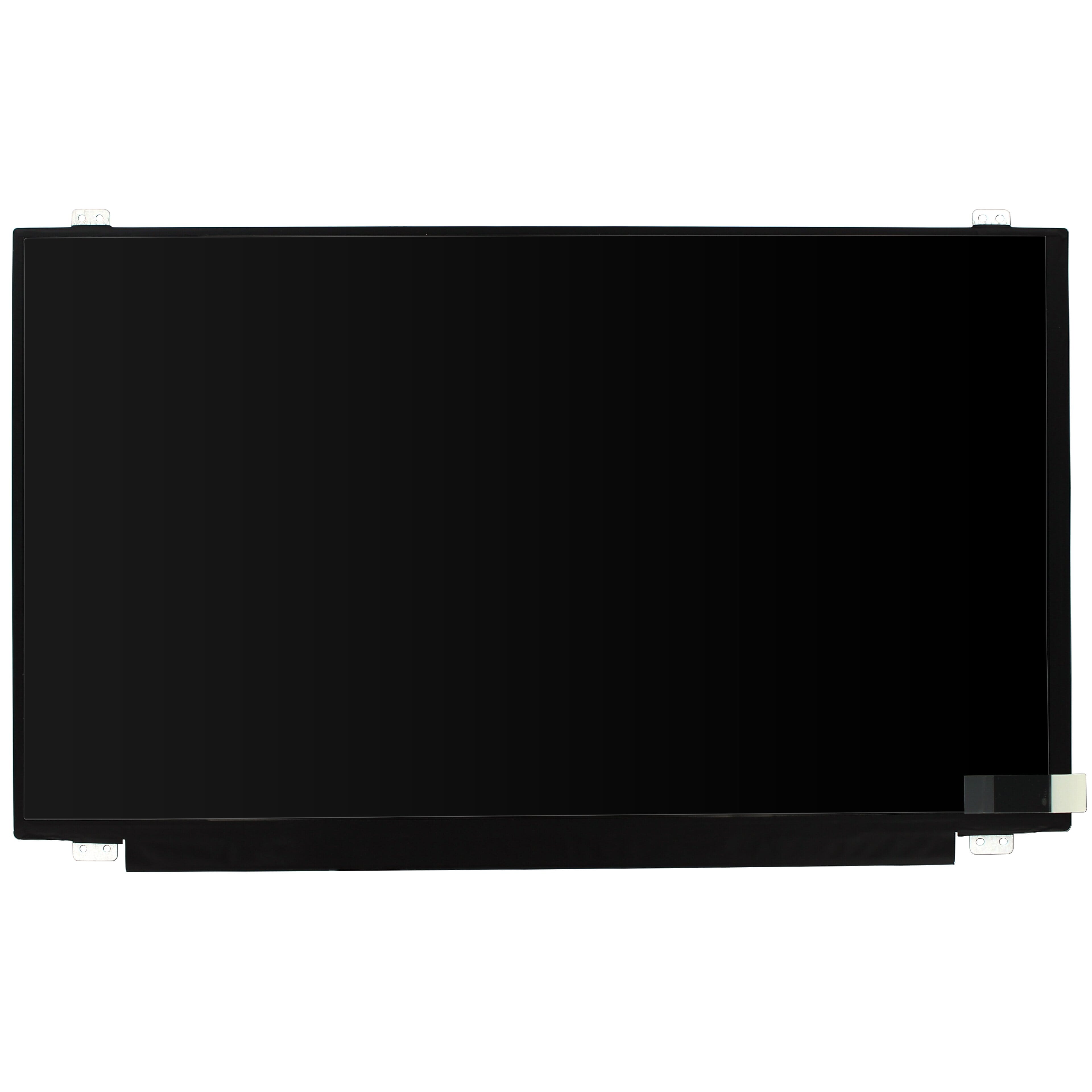
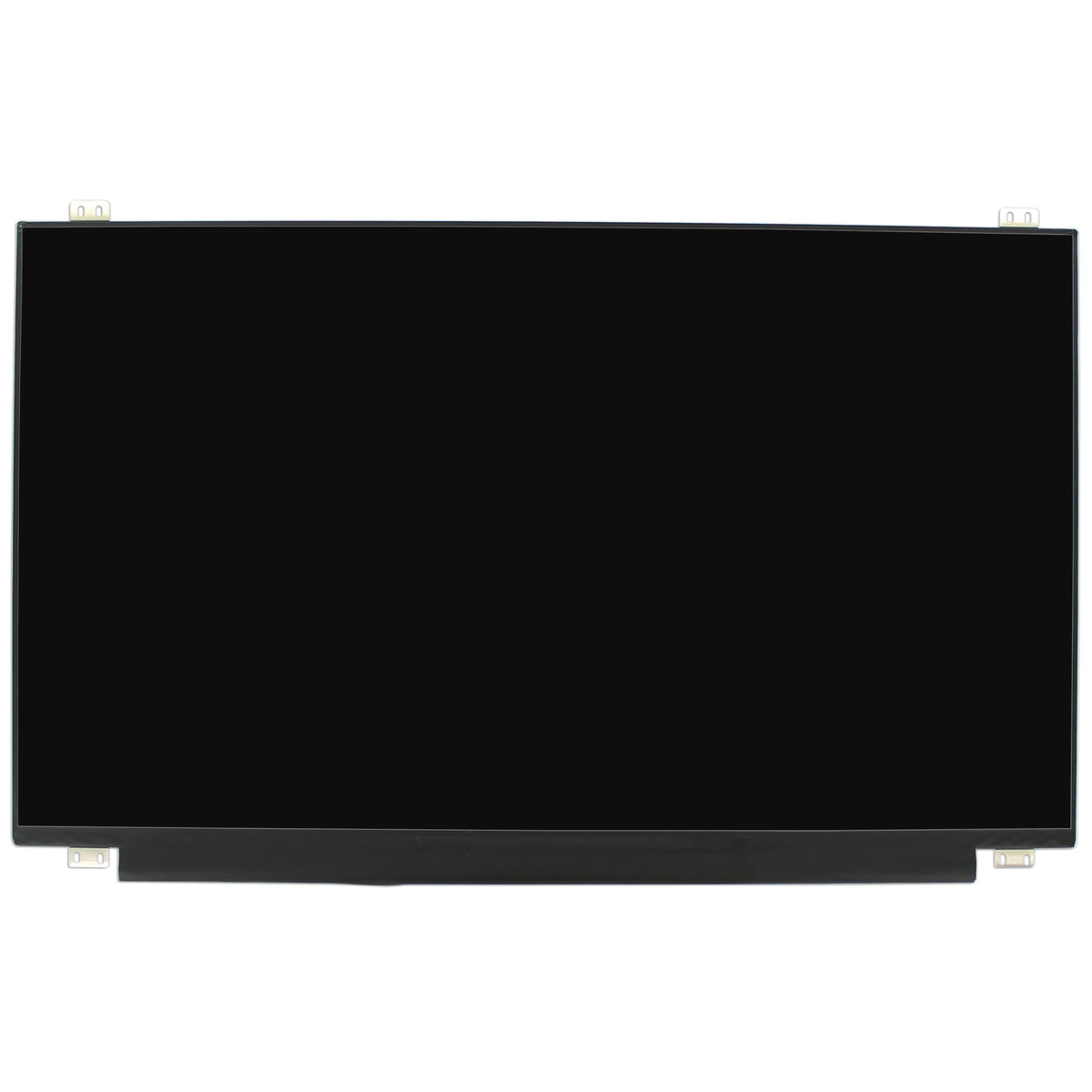
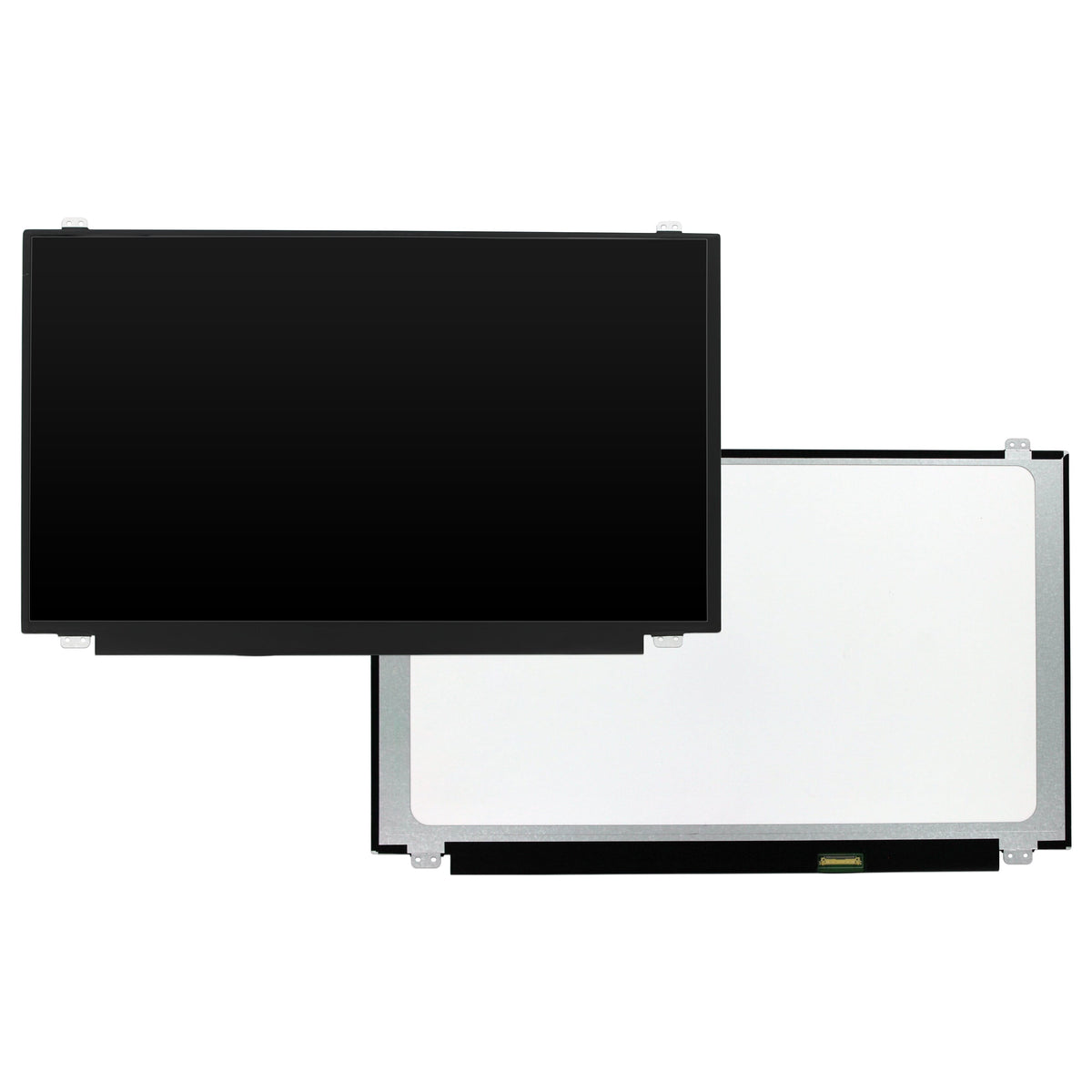
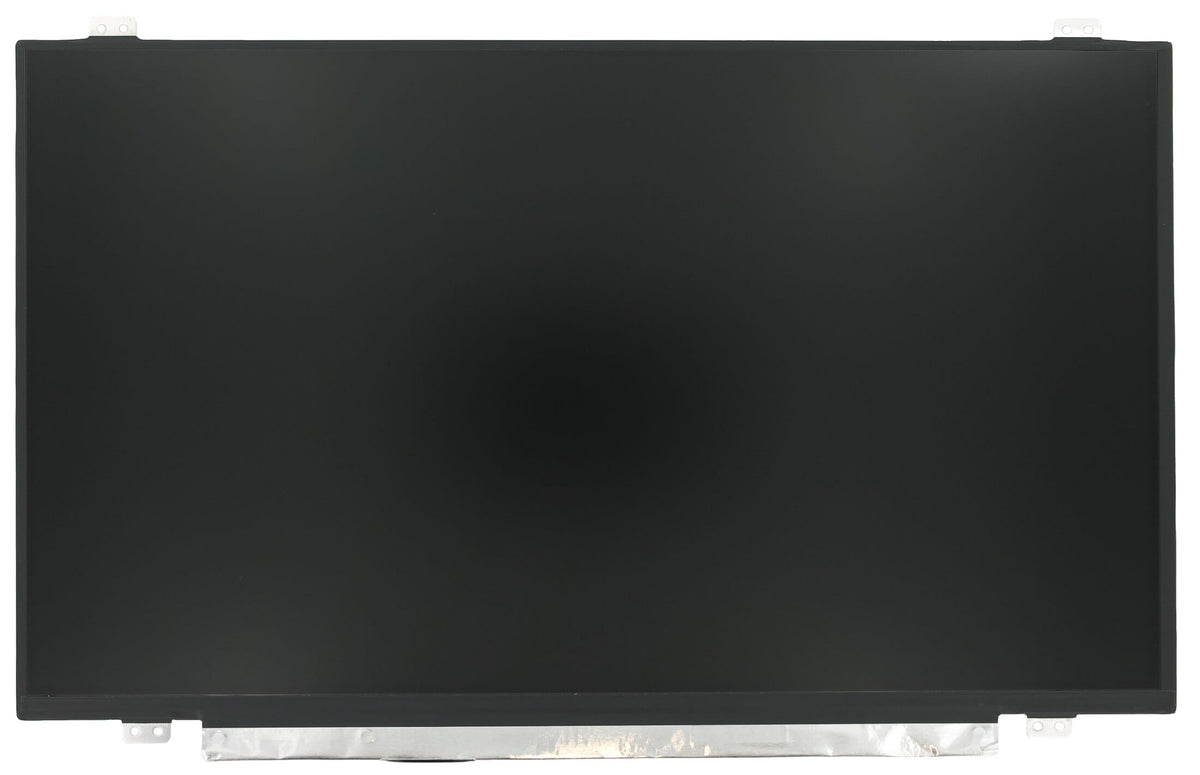
Finally, it's important that the mounting brackets (also called brackets) for your new screen are the same as those on your old one. Carefully review the images of your chosen screen and compare them to the screen you removed. If the brackets don't match, you won't be able to attach the screen to the back cover.
Double-checked everything and still have questions or concerns? No problem. Our customer service team is ready to help. Contact us via the contact form . We're happy to help you find the right screen.
Found the right screen? Ordering is easy through our webshop. If the product is in stock in our warehouse and you order before 6:00 PM, it will ship the same day. This way, you'll get your laptop up and running again quickly!