

Cycle software
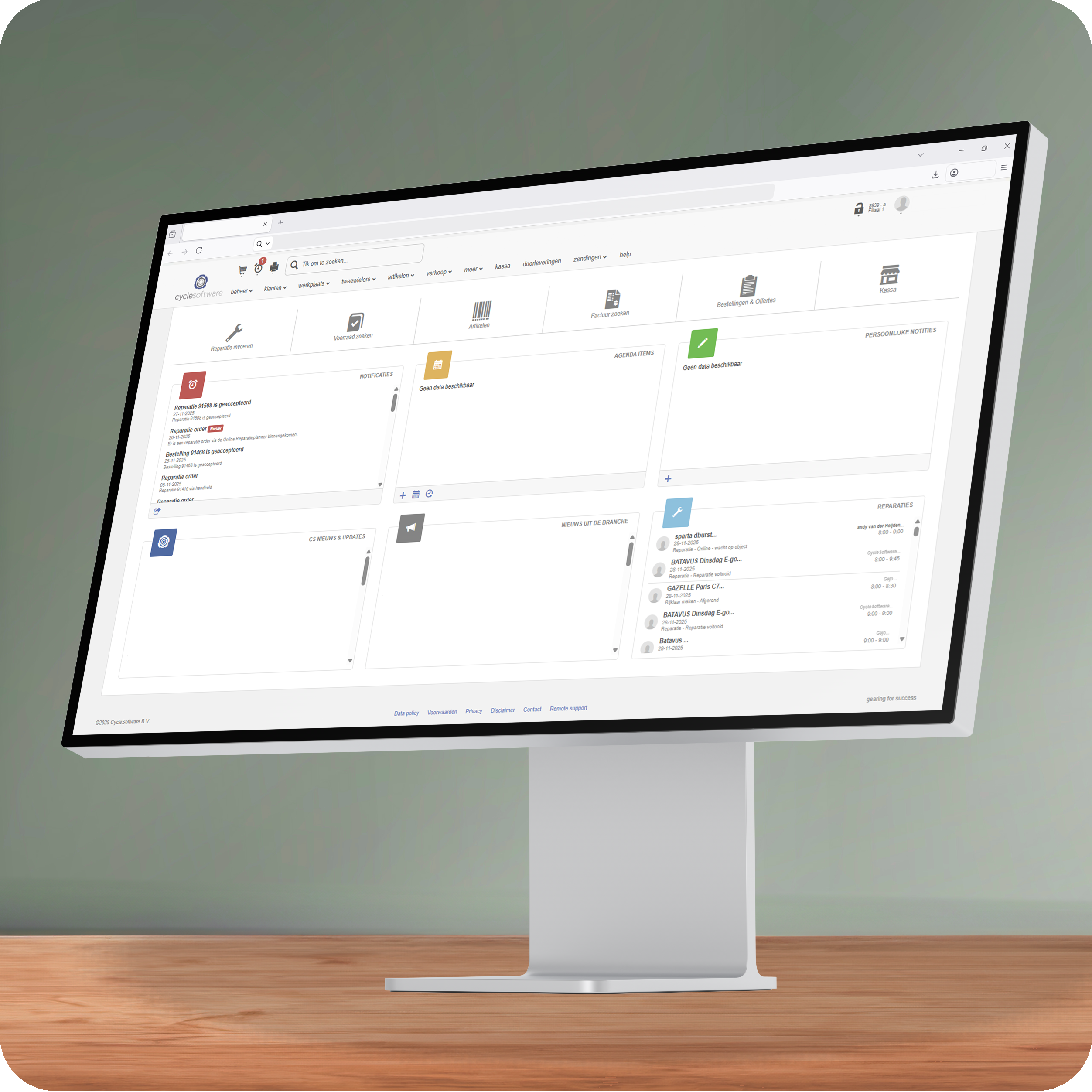
Wat is Cyclesoftware?
Cyclesoftware is een softwarepakket dat fietsenwinkels en e-bike werkplaatsen gebruiken om hun bedrijfsvoering te organiseren. Het ondersteunt bij het beheren van voorraad, klanten, reparaties en onderhoud, en biedt overzicht over bestellingen en producten. Zo kunnen winkels efficiënt werken en hebben ze altijd actuele informatie bij de hand. Binnen Cyclesoftware bestaat de mogelijkheid om gebruik te maken van meerdere leveranciers.
Op deze pagina leggen we je stap voor stap uit hoe je Twindis toevoegt als leverancier.
Meer weten over cyclesoftware? Kijk op www.cyclesoftware.nl

Navigeer naar het instellingenmenu
1. Instellingen openen
Log in in CycleSoftware en klik in het hoofdmenu op Beheer. Kies vervolgens Instellingen om toegang te krijgen tot de algemene systeemopties.

Open het leveranciersmenu
2. Leveranciers openen
Ga in het instellingenmenu naar Leveranciers → Leveranciers om een overzicht te krijgen van alle leveranciers. Hier kun je nieuwe leveranciers toevoegen of bestaande gegevens aanpassen.

Selecteer je leverancier
3. Zoek naar Twindis
Voer in de zoekbalk de term “Twindis” in. Zodra Twindis in de lijst verschijnt, selecteer je deze om verder te gaan naar de volgende stap. Hiermee koppel je Twindis aan je account als leverancier.

Optioneel prioriteit instellen
4. Prioriteit toevoegen
Klik op het plusje om Twindis een hogere prioriteit te geven.
Wil je Twindis nog hoger? Klik op het getal en kies de gewenste positie uit de lijst.


