




Description
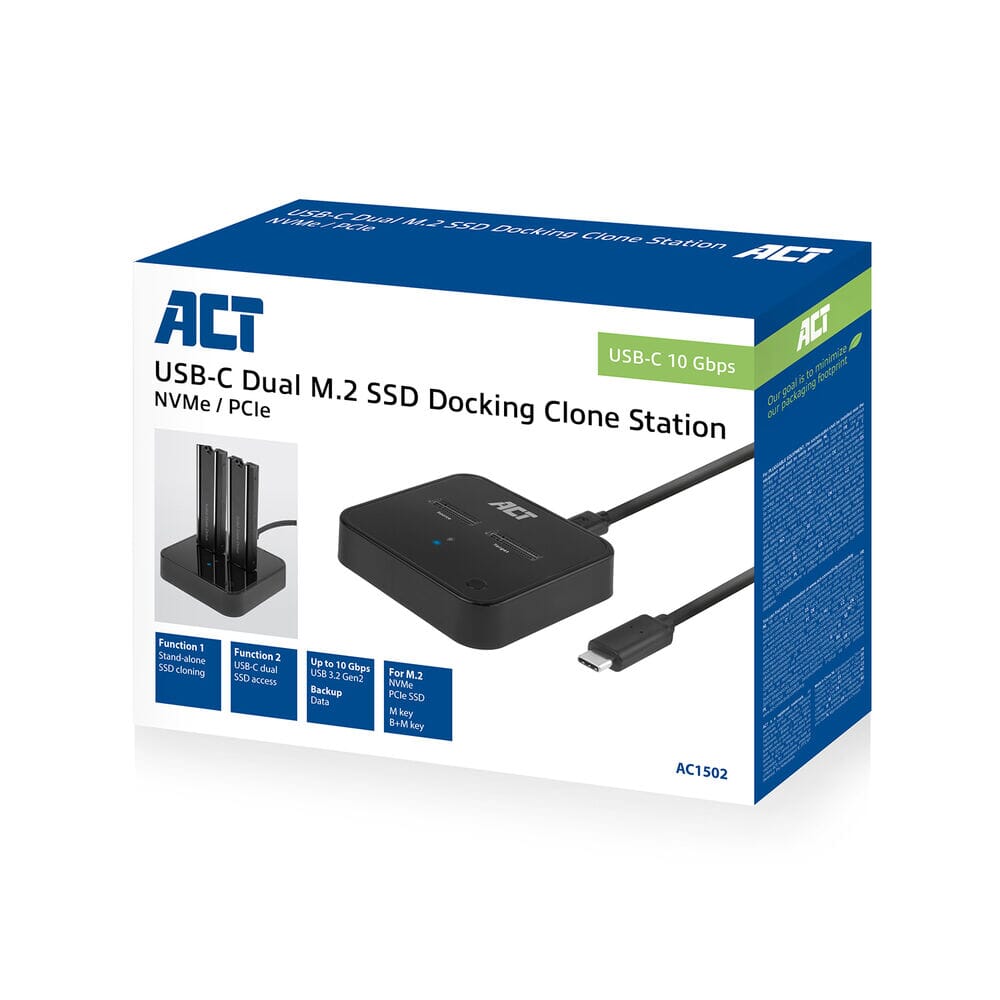
ACT M.2 NVMe/PCIe dual SSD docking clone station, USB-C 3.2 Gen2
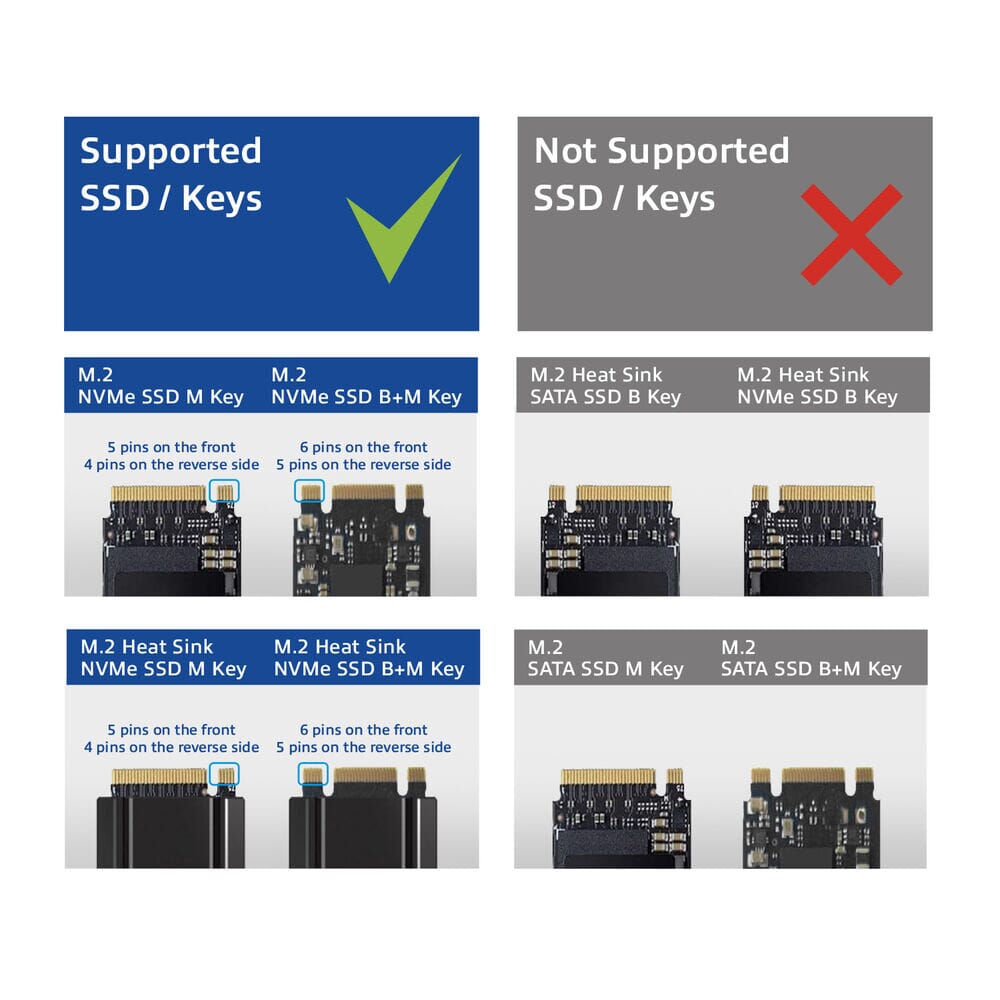
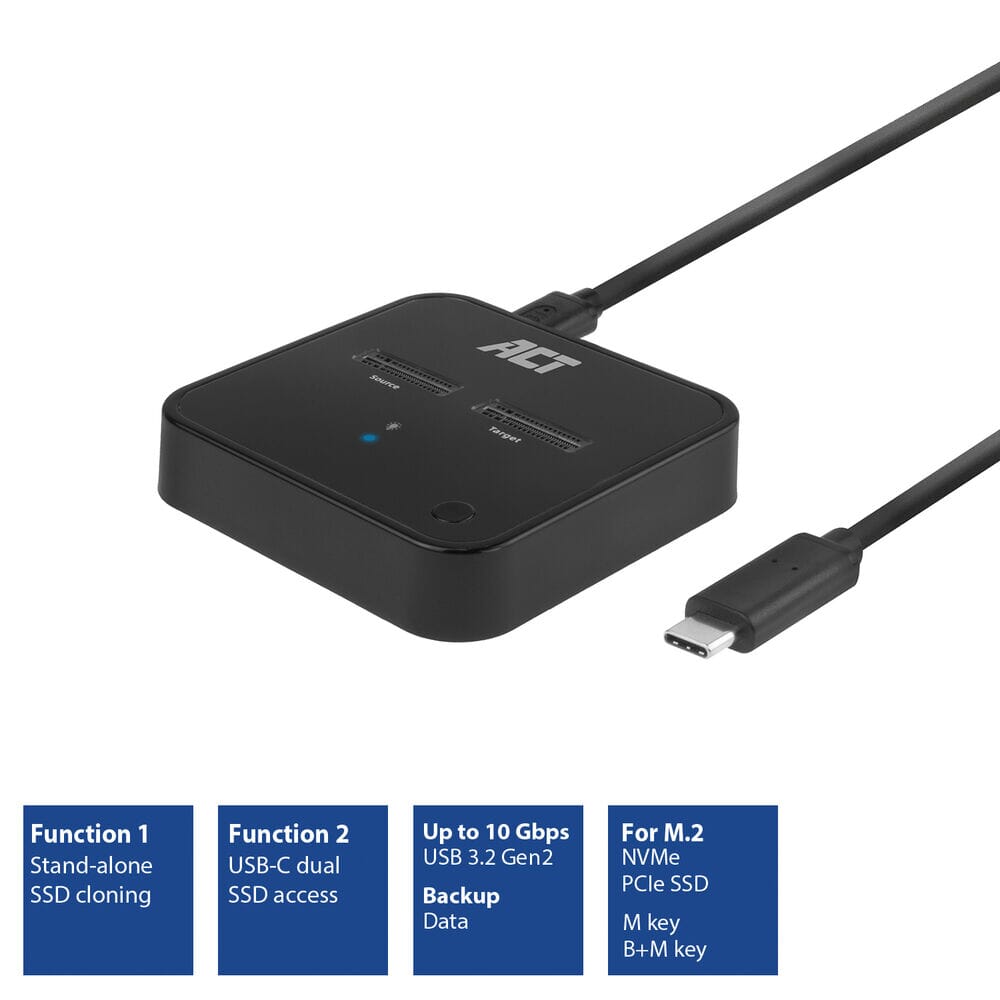
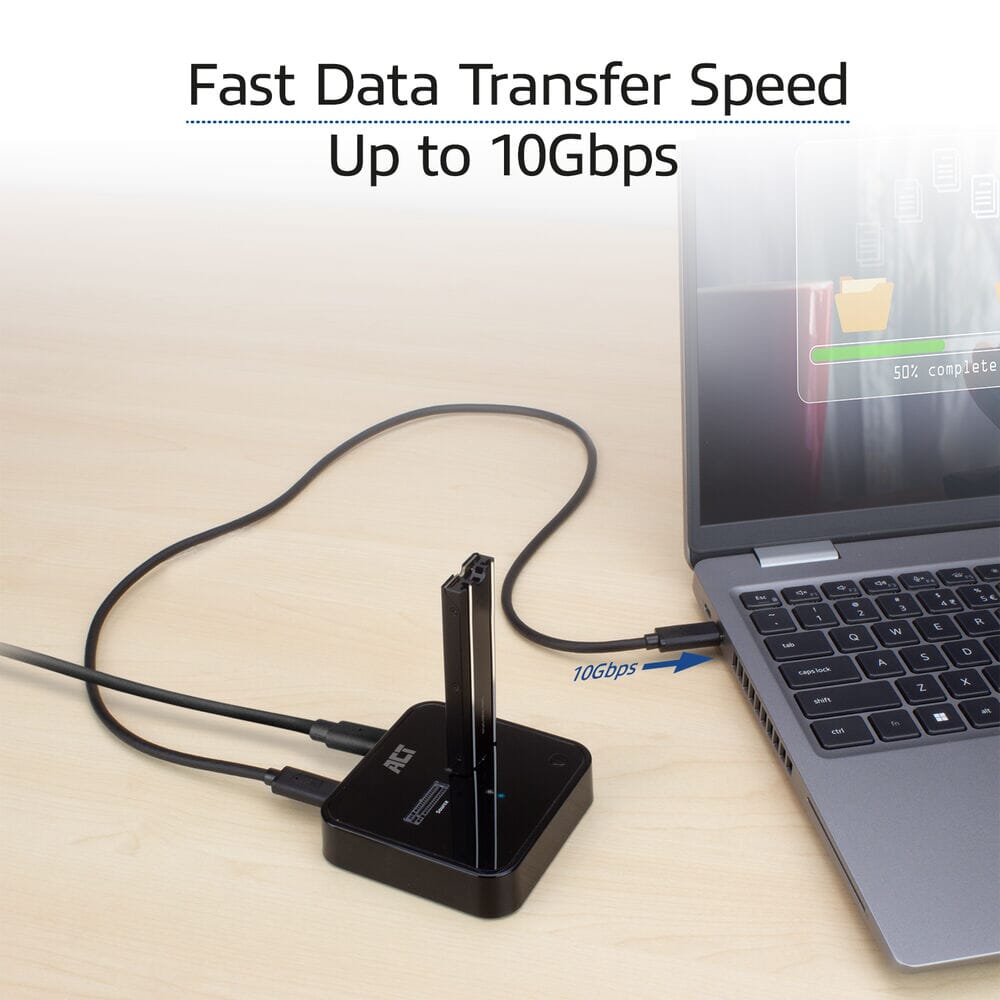
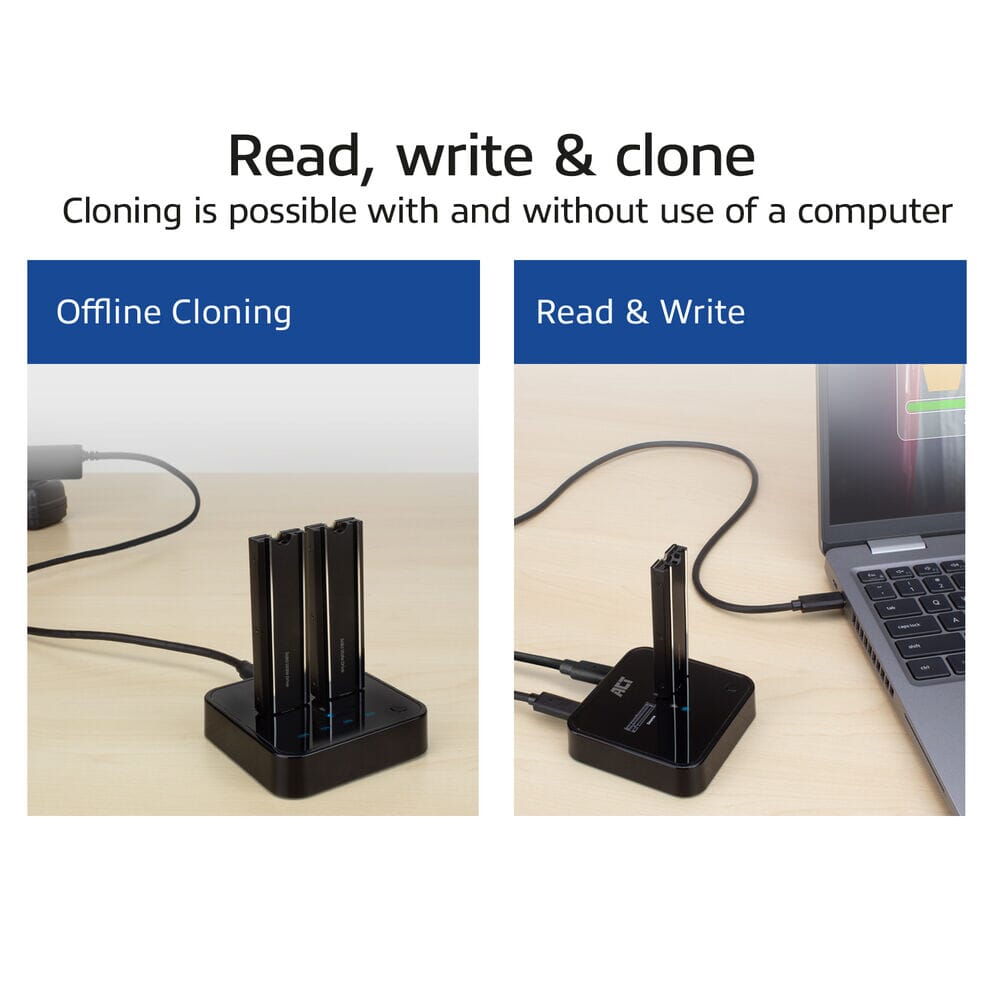
The AC1502 M.2 Dual SSD Clone Station is the ideal solution for offline data cloning. This USB-C 3.2 Gen2 docking clone station accommodates two M.2 NVMe/PCIe SSDs with M-key and B+M-key. Even SSDs with heatsinks are supported. Clone an SSD without needing a computer. Simply place the SSDs in the dock and connect the power adapter. The cloning status is displayed by the LEDs. When the AC1502 with two SSDs is connected to a computer, it's easy to access and back up both drives with a maximum transfer speed of up to 10Gbps.
Supports M.2 NVMe/PCIe SSDs with and without heatsink
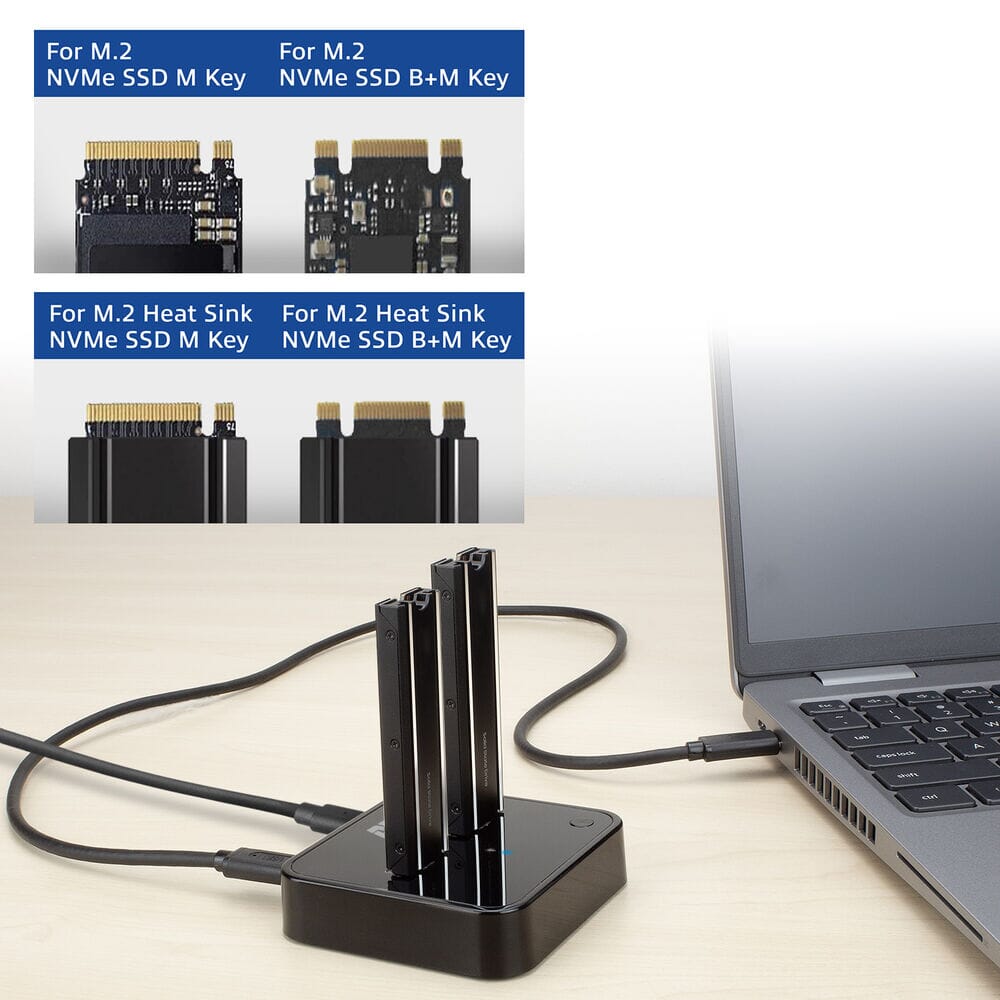
The AC1502 is designed to connect up to two M.2 NVMe/PCIe SSDs to a computer or laptop. The dock is compatible with M-key and B+M-key. SSDs with a heatsink are supported.
Offline cloning without using a computer
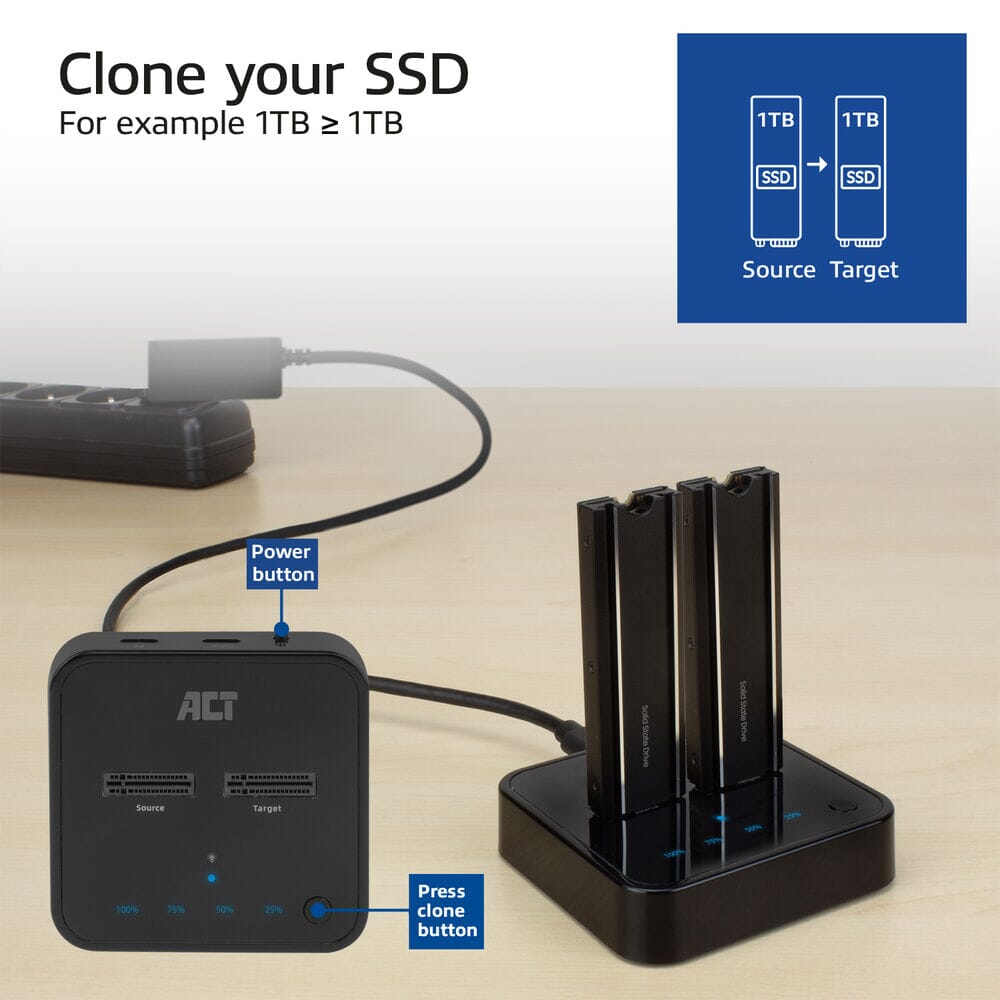
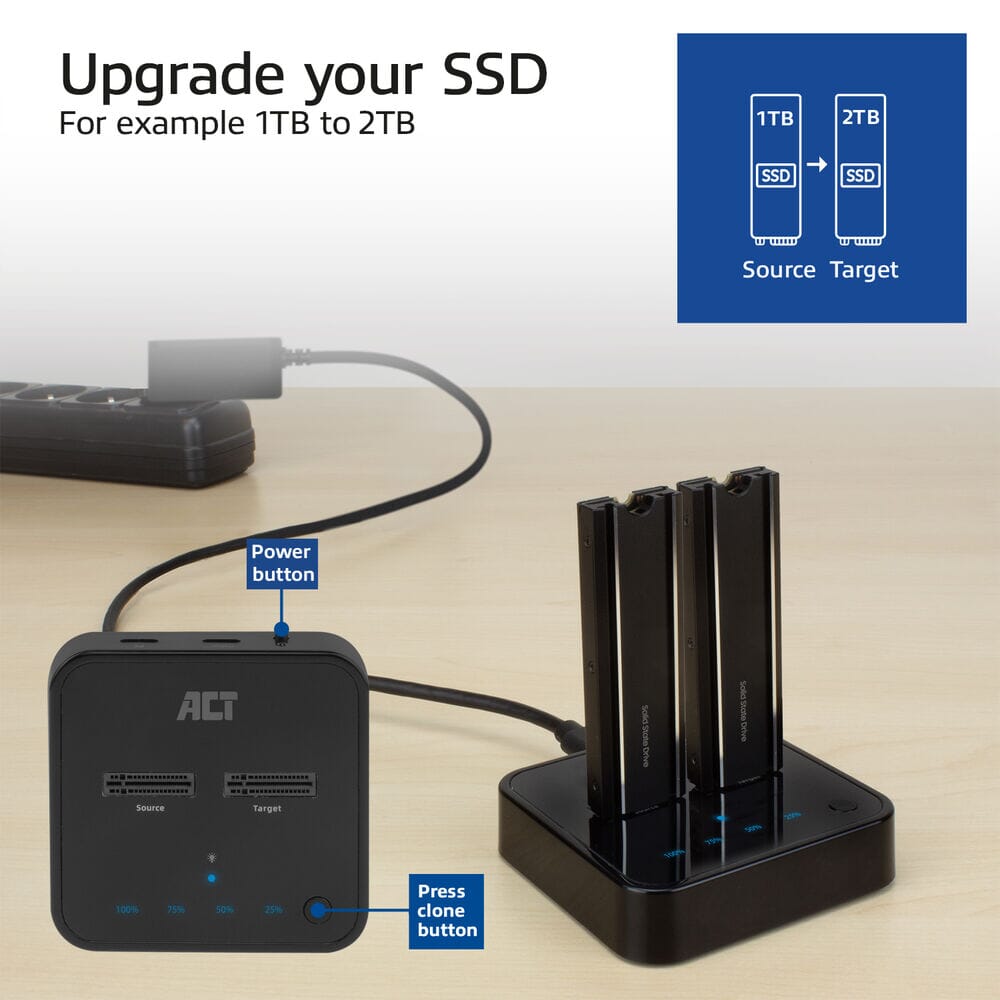
Use the Dual SSD Clone Station to clone one SSD to another without needing a computer. Offline cloning is performed with the AC1502. Place both the source and destination SSDs in the docking station. Connect the power adapter, turn on the docking station, and press the clone button. Ensure that the disk size of the destination SSD is equal to or larger than the source SSD.
Upgrade the laptop's SSD
Want to increase the capacity of your laptop? Use the AC1502 to clone your laptop's current SSD to a larger-capacity SSD.
Clone status indicator
The LED indicators (25%/50%/75%/100%) on the AC1502 show the cloning progress. When the 50% LED is flashing, the dock is cloning data between 25% and 50%. When the 50% LED is lit, 50% of the data has been transferred.
Access to external storage
Connect two M.2 NVMe/PCIe SSDs to a computer or laptop with the AC1502 and access the data on these solid-state drives. These two external SSDs can be used for external storage. USB 3.2 Gen2 10Gbps and UASP (USB Attached SCSI Protocol) ensure fast data transfer.
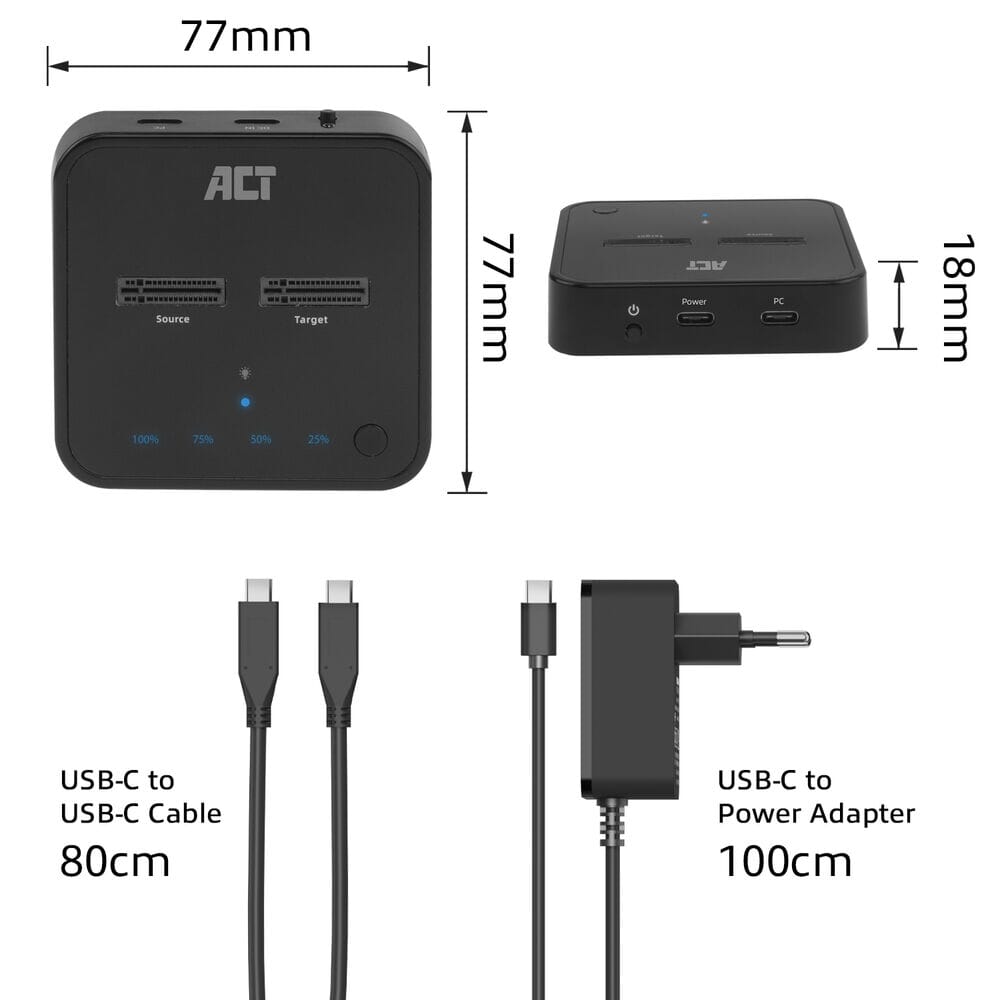
- On/Off switch and clone status indicator
- Access two external NVMe/PCIe SSDs from a laptop for backup and external storage
- Suitable for two M.2 NVMe/PCIe SSDs with M-key or B+M-key with and without heatsink
- Clone an M.2 SSD offline without needing a computer
- USB 3.2 Gen2 10Gbps and UASP support for high-speed transfers
Compatible with
Partnumbers
- Categorie Externe Harde schijf behuizing
- Channel Netbook
- Conditie BRANDNEW
- Garantietermijn 60 Maanden
- Merk ACT
- Partnummer AC1502
Heb je vragen over dit product? Neem contact met ons op.
| Sales & Support | 088 088 66 55 (ma-vr: 09:00 - 17:00) |
| Open contactformulier |


